Variant
AI-powered UI design tool. Enter an idea or app name to explore endless layout and component variations.
Tool Details
| Category | Design / UI Components |
| Website | variant.com |
| Tags | AI, UI, design, builder |
What is Variant?
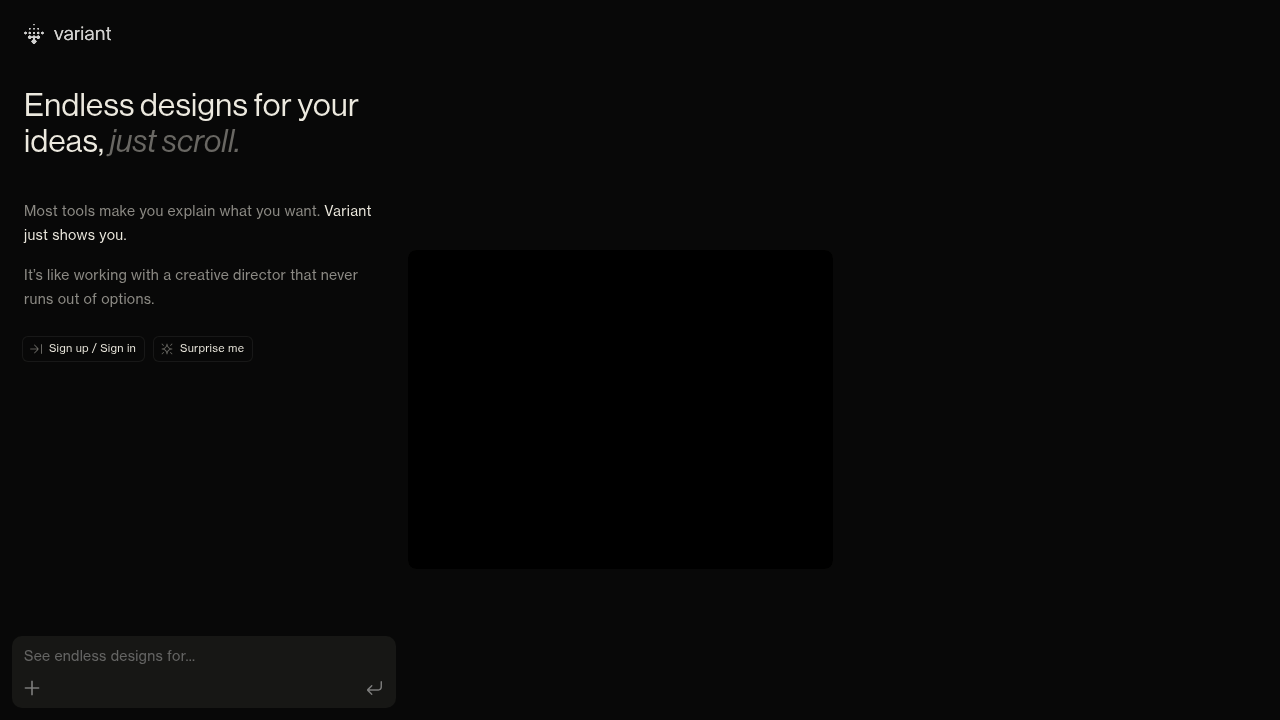
Variant is an AI design tool that turns a short app or website idea into an endless scroll of interface designs. Instead of writing a detailed brief, you type a quick idea and scroll; each new card shows a different layout, color scheme and visual style.
According to independent reviews, it includes a style dropper that copies a design's palette, typography and spacing onto other designs, a toggle between desktop and mobile views, and HTML export. The point is less about producing a finished product and more about finding a visual direction fast.
That makes Variant most useful in the early ideation phase, before detailed work in Figma. The generated designs and code usually need refinement before they are ready to ship.
Key Features
- Endless scrolling UI variations from a single idea prompt.
- A style dropper that applies one design's look to others.
- Desktop and mobile views, plus layout and palette shuffling.
- HTML export of designs.
- A 'Surprise me' option that shows random examples without a prompt.
Variant is listed among the digital tools in the Design category.
Who Is It For?
Variant is useful for product designers, founders and front-end developers at the idea stage. Examples: exploring several visual directions for a new mobile app, generating alternative landing page layouts before a client meeting, or breaking through designer's block.
Pricing
Variant's pricing page is only visible after signing in. An independent review from March 2026 reported a free tier with 200 designs and paid plans starting at $25 per month for 3,000 designs. This may have changed, so check inside your account for current pricing.
Pros
- See many alternatives without writing a detailed brief.
- Very fast way to find a visual direction.
- Easy to carry a style you like across designs.
Cons
- Output is a starting point, not production-ready design or code.
- Focused on single screens rather than multi-screen flows.
- Pricing is hidden behind sign-in.
Frequently Asked Questions
Is Variant free?
A free account lets you generate a limited number of designs. More usage requires a paid plan; current limits are shown after you sign in.
What does Variant do?
It generates an endless scroll of UI designs for an app or website idea, helping you find a visual direction early on.
How do you use Variant?
Sign up, describe your idea in a short sentence, scroll through the generated designs, then refine and export the ones you like.
Details checked against the official website as of November 2026. Pricing may change.
Alternatives in Design
Similar tools you can try besides Variant