Tool Details
| Category | Design / UI Components |
| Website | mobbin.com |
| Tags | design, Mobbin |
What is Mobbin?
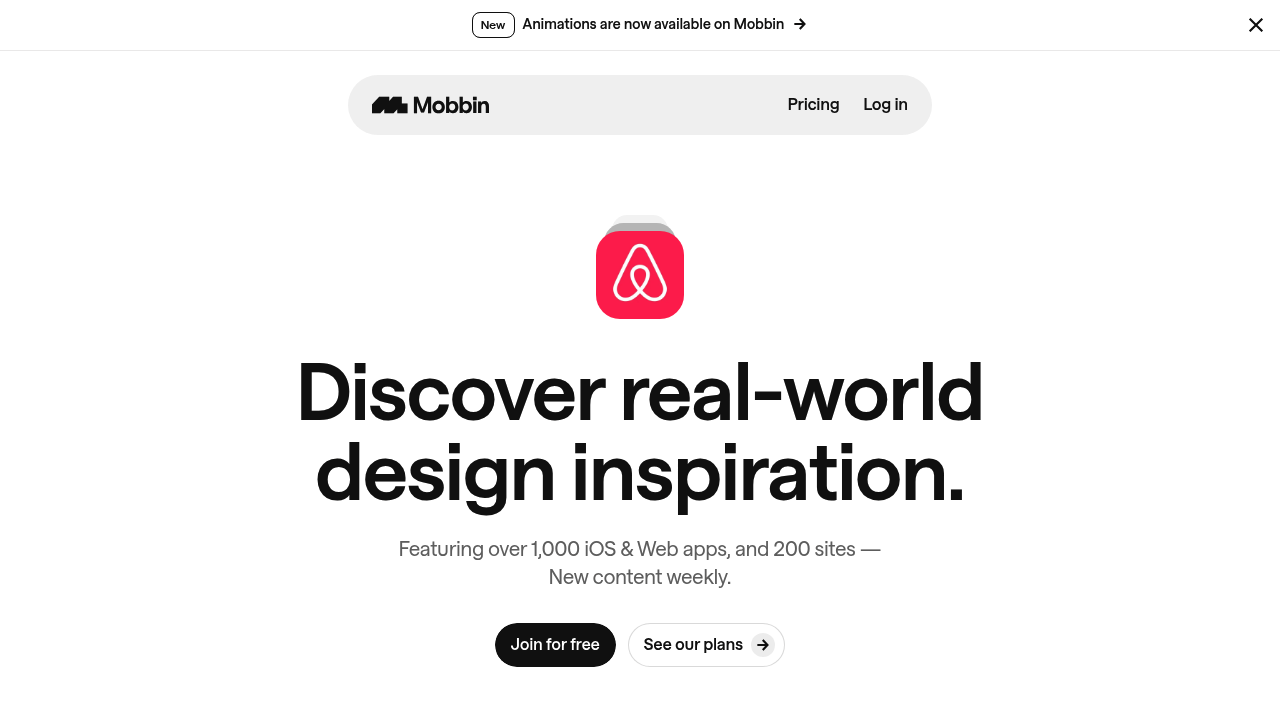
Mobbin is a UI/UX reference library built from screenshots of real, shipped mobile apps, web apps and websites. Designers use it to see how other products have solved the same problem they're working on.
Beyond individual screens, the library includes step-by-step user flows, such as sign-up or checkout, plus website sections. That lets you see not only a login screen but how users got there and what happens next. You can save items to collections, share them with your team and copy them into tools like Figma.
Mobbin has also opened up to AI tools: Pro and higher plans include an MCP server so assistants like Claude or Cursor can search screens and flows, and Team plans add REST API access.
Key Features
- A library of screens from real mobile apps, web apps and websites.
- Step-by-step user flows and animations, such as onboarding and checkout.
- Search across screens, flows and sections, with Deep Search on Pro.
- Collections, comments and team sharing.
- MCP access on Pro and above, and a REST API on Team.
- Copy and download images for use in tools like Figma.
Mobbin is listed among the digital tools in the Design category.
Who Is It For?
Mobbin is useful for product designers, UX researchers, product managers and frontend developers. Examples include comparing how similar apps handle onboarding before you design yours, gathering ideas for a checkout screen, or grounding design debates in concrete examples. Treat what you find as inspiration rather than something to copy outright.
Pricing
The Free plan gives limited access to apps and sites and up to 3 collections, without flows or search. Pro costs $10 a month billed yearly ($120 a year) or $15 a month billed quarterly. Team costs $16 per member per month billed yearly or $24 billed quarterly. There's no monthly billing option, and students and educators get 50% off Pro.
Pros
- A large reference archive of real, live products.
- Shows complete user flows, not just isolated screens.
- Works alongside AI assistants via MCP.
Cons
- The free plan is very limited; flows and search are paid.
- No monthly billing, so you commit to at least three months.
- Coverage leans toward global products, so local-market examples may be thin.
Frequently Asked Questions
Is Mobbin free?
There's a free plan with limited content and up to 3 collections. Full access with Pro costs $10 a month billed yearly.
What is Mobbin used for?
It helps you find design inspiration and references by browsing screens and user flows from real apps and websites.
Does Mobbin have a student discount?
Yes. Eligible students and educators get 50% off Pro for up to two years.
Details checked against the official website as of November 2026. Pricing may change.
Alternatives in Design
Similar tools you can try besides Mobbin