PageSection
Online HTML editor and hosting tool. Upload and edit your HTML templates, then publish quickly with a shareable link.
Tool Details
| Category | No-Code / Website Builders |
| Website | pagesection.com |
| Tags | HTML, editor, hosting, web |
What is PageSection?
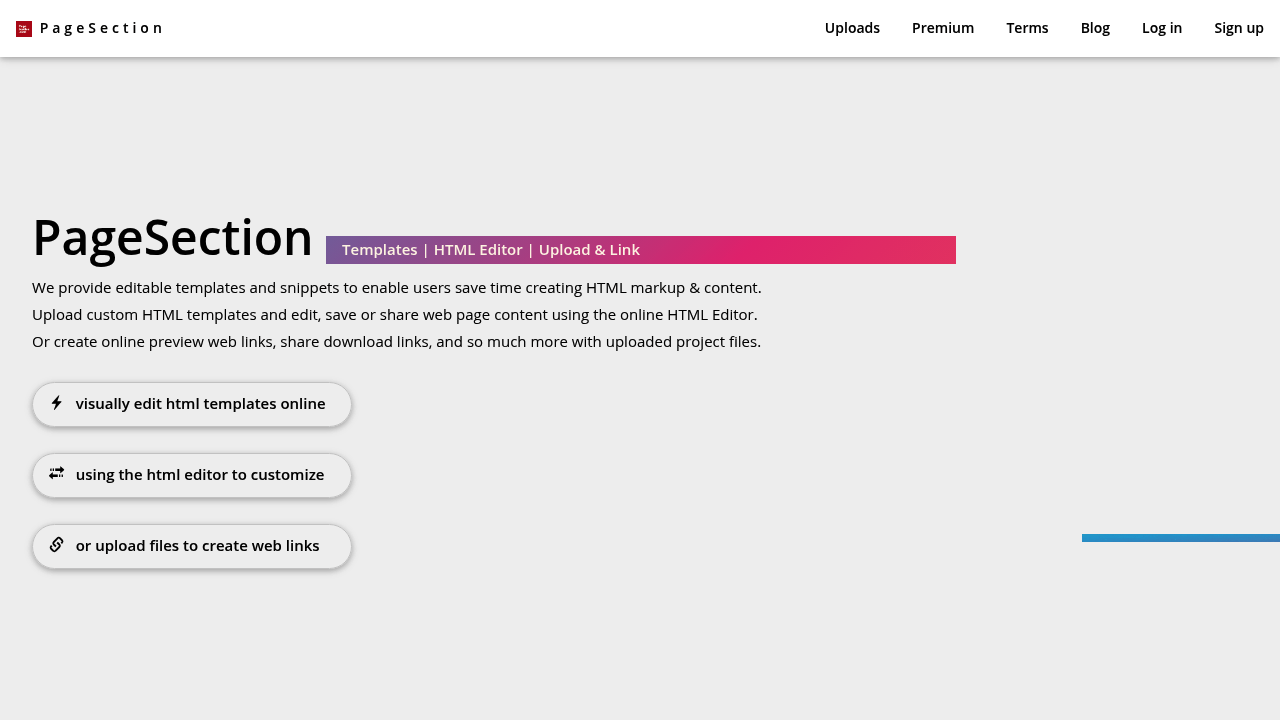
PageSection is an online HTML editor and hosting tool for editing templates in the browser and publishing them quickly. If you have an HTML file or a small project, you can upload it and get a shareable live link instead of renting a server or dealing with FTP.
It provides editable HTML templates and snippets, an HTML editor with live preview, and an upload area for project files. Each uploaded project gets a web address you can send to a client, teammate or teacher.
PageSection also includes helper tools for converting .txt and .docx files to HTML and generating download links for files. It's built for simple static pages and quick sharing rather than full web applications. Beginners can start by tweaking templates, while people who know HTML can work directly in the code editor.
Key Features
- A browser-based HTML editor with live preview.
- Editable HTML templates and code snippets.
- Upload project files and get a shareable live link.
- TXT and DOCX to HTML conversion.
- Download link generation for files.
PageSection is listed among the digital tools in the No-Code category.
Who Is It For?
PageSection suits students learning HTML, freelance designers who need to show a client a draft fast, and anyone who wants a small static page online quickly. Examples include sending a class project to a teacher as a live link, sharing a landing page mockup for client approval, or turning a Word document into a web page.
Pricing
The free Starter plan includes 1 GB of storage, temporary preview links and limited uploads and saves, and the site describes it as meant for new users and testing. Premium costs $20 per user per month and adds unlimited preview links, 100 GB of storage and unlimited uploads. A $10 student plan, a one-time payment option and custom plans for organizations are also listed.
Pros
- Gets HTML files online in minutes without a server.
- Editor, templates and hosting in one place.
- Discounted pricing for students.
Cons
- Free preview links are temporary and uploads are limited.
- Not suitable for dynamic, database-backed projects.
- English-only interface.
Frequently Asked Questions
Is PageSection free?
There's a free Starter plan with 1 GB of storage and limited uploads. Persistent, unlimited links require the $20 per month Premium plan.
What is PageSection used for?
It lets you edit HTML templates in the browser, upload files and publish them as a shareable live link.
Can PageSection convert a Word file to HTML?
Yes, it includes a tool for converting .docx and .txt files to HTML.
Details checked against the official website as of November 2026. Pricing may change.
Alternatives in No-Code
Similar tools you can try besides PageSection