Webstudio
Open-source visual website builder. A Webflow alternative that is fully customizable and free.
Tool Details
| Category | No-Code / Website Builders |
| Website | webstudio.is |
| Tags | no-code, website, open source |
What is Webstudio?
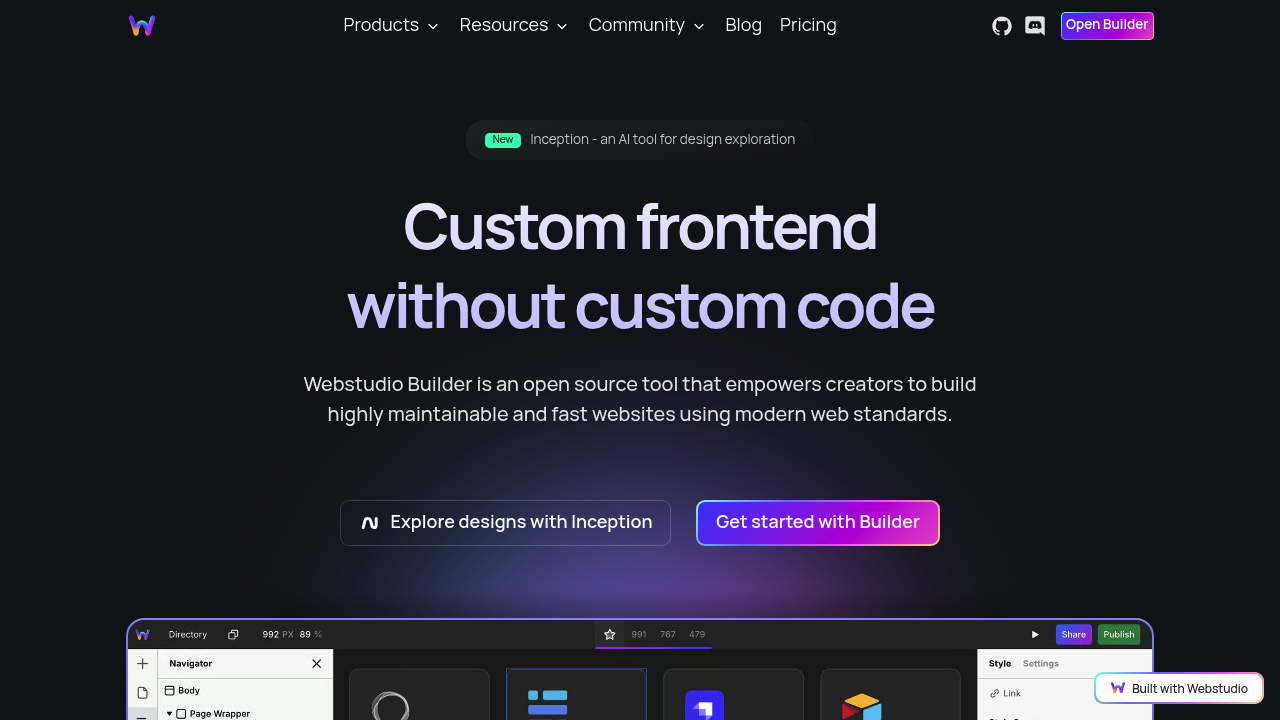
Webstudio is an open-source visual website builder that positions itself as an alternative to Webflow. You design pages visually without writing code, but the style panel exposes the full range of CSS, so flexbox, grid, variables and fine-grained styling are all available directly in the editor.
Two things set it apart. First, rather than locking you into its own CMS, it connects to any headless CMS or API for content. Second, the source code is published on GitHub under the AGPL-3.0 license, and you can either publish with Webstudio's own hosting or export your site and host it elsewhere.
That combination makes it a sensible pick for designers and developers who want a Webflow-style design workflow without being tied to one vendor. People who already understand CSS and web layout will get the most out of it.
Key Features
- A visual editor with access to every CSS property.
- Data binding to external headless CMSs and APIs.
- Publish on Webstudio hosting or export and host the site yourself.
- Project sharing so others can view a build or help edit it.
- An AGPL-3.0 open-source codebase developed in public on GitHub.
Webstudio is listed among the digital tools in the No-Code category.
Who Is It For?
Webstudio fits designers who like Webflow but dislike its pricing or lock-in, agencies building marketing sites and landing pages for clients, and teams that already keep their content in a headless CMS. An agency could, for example, pull a client's existing blog posts from their CMS into pages designed in Webstudio, or a freelancer could design a campaign page and deploy it on their own infrastructure.
Pricing
Webstudio has a free Hobby plan that does not require a credit card. The paid Pro plan appears at roughly $15 per month when billed yearly and comes with a monthly page-view quota plus overage charges. Because plan details such as custom domain counts, page-view limits and team options change from time to time, check webstudio.is/pricing for the current numbers. Self-hosting the open-source code costs nothing in licensing, though you pay for your own servers.
Pros
- Open source with export options, so vendor lock-in is low.
- Granular CSS control gives you the flexibility of hand-written code.
- The free plan lets you try it without entering card details.
Cons
- Steeper learning curve than template-driven builders like Wix or Squarespace; basic CSS knowledge helps a lot.
- No full built-in CMS, so content-heavy sites need a separate headless CMS set up.
- The AGPL license has obligations to review if you plan to modify and run the code as a service.
Frequently Asked Questions
Is Webstudio free?
Yes, there is a free Hobby plan with no credit card required. A paid Pro plan adds more traffic headroom and features; check the pricing page for current limits.
How is Webstudio different from Webflow?
Webstudio is open source and lets you host your site wherever you like. Instead of a built-in CMS, it connects to external headless CMSs for content.
Can I self-host Webstudio?
The code is on GitHub under AGPL-3.0, and sites can be exported and hosted outside Webstudio's own platform. Check the project's documentation for the current self-hosting steps.
Details checked against the official website as of November 2026. Pricing may change.
Alternatives in No-Code
Similar tools you can try besides Webstudio