Tool Details
| Category | Design / UI Components |
| Website | flowstep.ai |
| Tags | design, Flowstep |
What is Flowstep?
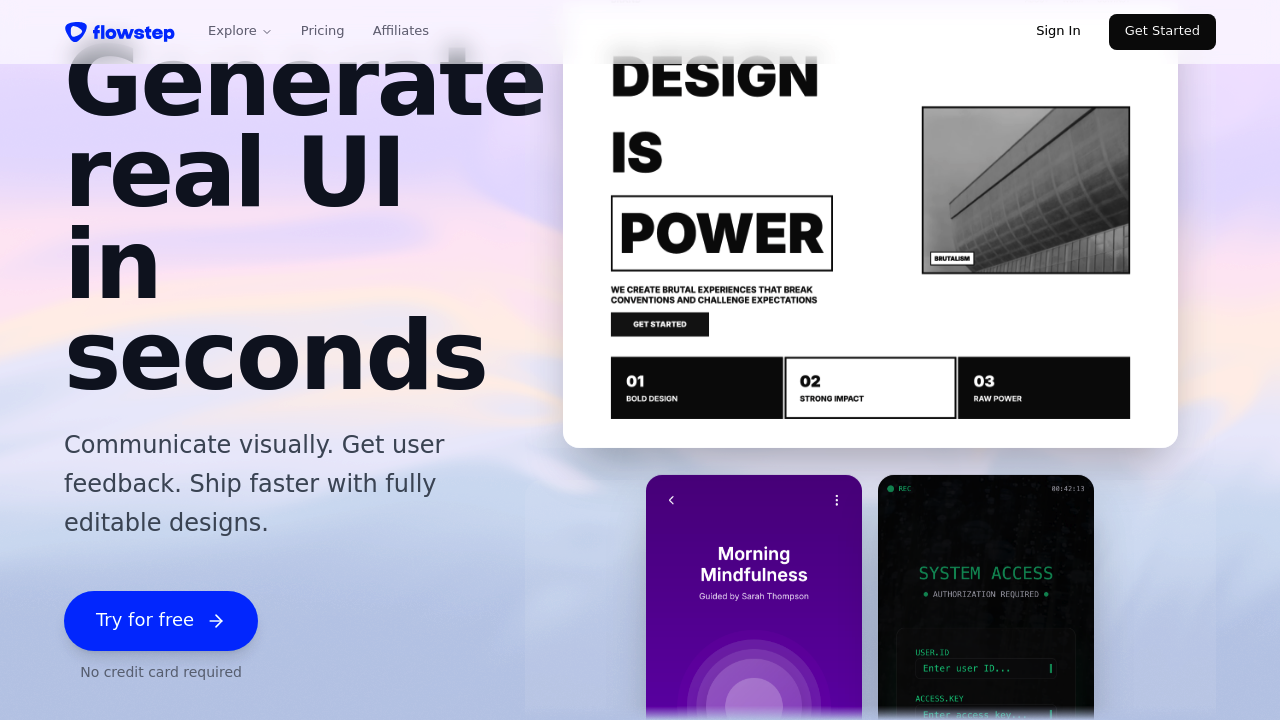
Flowstep is an AI design tool that generates UI screens from a description or a document. Describe a screen, or attach a product requirements doc, a screenshot or a link, and Flowstep lays out a matching design on a canvas.
You refine the result by chatting with the AI or clicking elements directly on the canvas. Themes and file-level instructions apply your colors, corner rounding and product rules to every new screen. Designs map 1:1 to code and can be shared as clickable prototypes.
It also works with Figma: copy frames from Flowstep and paste them into Figma, or import Figma frames as editable screens. An MCP server lets coding agents such as Cursor, Claude Code, Windsurf and Codex generate and edit screens from inside your editor.
Key Features
- Generates UI screens from prompts, PRDs, screenshots or links.
- Edit designs by chatting or by clicking elements on the canvas.
- Themes and instructions keep brand colors and rules consistent.
- Copy frames to Figma and import Figma frames back.
- Interactive prototype previews and sharing.
- An MCP server for coding agents, plus real-time team collaboration.
Flowstep is listed among the digital tools in the Design category.
Who Is It For?
Flowstep suits product managers, founders, designers and developers who want to move quickly from idea to screens. Use it to turn a PRD into first-pass screens for a new feature, put together a clickable prototype for a client pitch, or generate matching UI from your editor while coding with Cursor or Claude Code.
Pricing
There's a free plan with limited messages and projects, and you can try it without a credit card. Starter costs $15 a month and includes 80 messages a month plus unlimited projects, exports and Copy to Figma. Annual billing saves up to 20%, and Enterprise pricing for large teams is set through a call.
Pros
- Gets you from idea to editable screens fast.
- Works alongside Figma and coding agents.
- The paid plan is relatively affordable.
Cons
- Free plan limits are tight and not spelled out precisely.
- Starter's 80 messages a month can go quickly when iterating heavily.
- English-only interface, and generated designs still need a designer's eye.
Frequently Asked Questions
Is Flowstep free?
There's a free plan with limited usage that you can try without a credit card. Starter costs $15 a month.
Does Flowstep work with Figma?
Yes. You can copy designs into Figma and import Figma frames into Flowstep.
What does Flowstep do?
It generates and edits UI screens from a written description, a document or a screenshot, and lets you share them as prototypes.
Details checked against the official website as of November 2026. Pricing may change.
Alternatives in Design
Similar tools you can try besides Flowstep