Flowbase
Library of ready-made components, templates, and plugins for Webflow. Build your Webflow sites quickly.
Tool Details
| Category | Design / UI Components |
| Website | flowbase.co |
| Tags | Webflow, template, UI, design |
What is Flowbase?
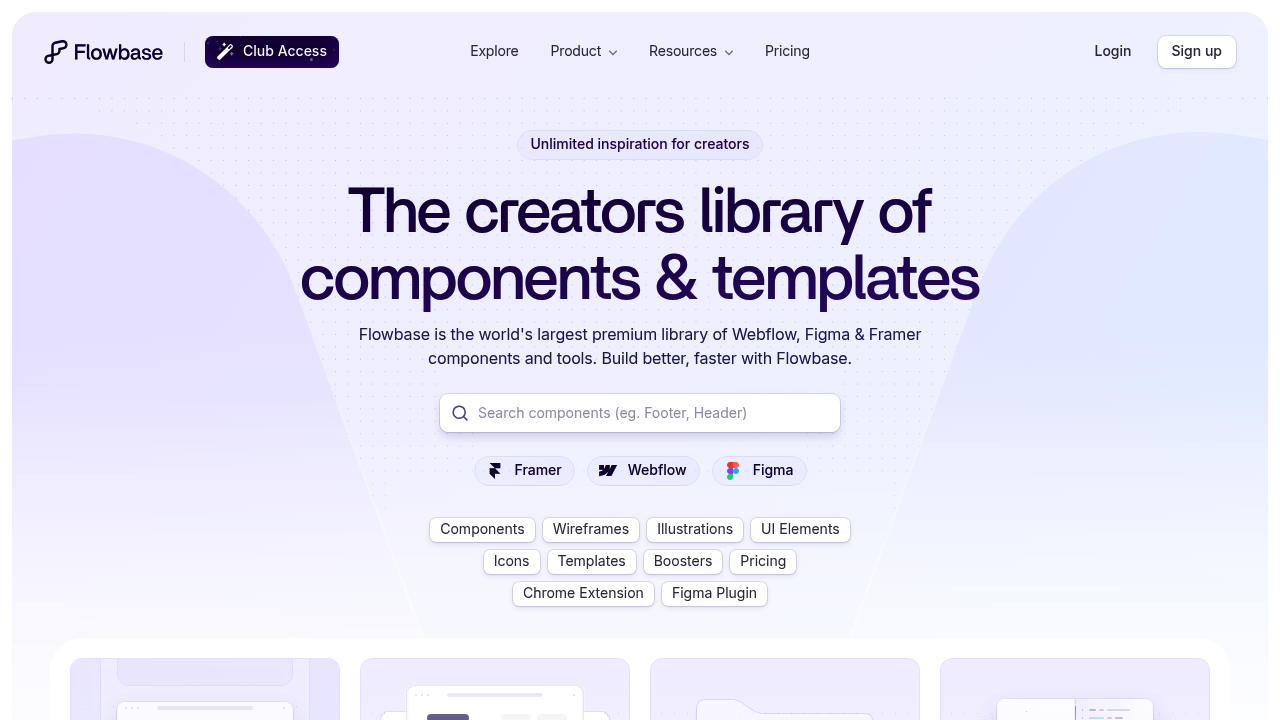
Flowbase is a resource library of ready-made components, wireframes, icons and illustrations for Webflow, Figma and Framer. The site lists more than 3,500 components and over 15,000 icons. The idea is to stop rebuilding the same navbars, pricing tables and FAQ sections for every project and instead copy a polished version and adapt it.
In practice you find a component on Flowbase, copy it, and paste it straight into the Webflow Designer, Figma or Framer. A Chrome extension and Figma and Framer plugins make this faster. The Chalk wireframe and UI sets help you block out page structure quickly.
Flowbase also offers Boosters, ready-made code solutions that add functionality to Webflow sites. Templates are not part of the membership; they are sold separately through partners.
Key Features
- 3,500+ ready-made components for Webflow, Figma and Framer.
- Chalk wireframe and UI sets for fast page layouts.
- 15,000+ icons and free-to-use SVG illustrations.
- Boosters that add extra functionality to Webflow sites.
- A Chrome extension plus Figma and Framer plugins for quick copying.
Flowbase is listed among the digital tools in the Design category.
Who Is It For?
Flowbase suits designers, freelancers and small agencies building in Webflow or Framer. Examples: dropping pricing and testimonial sections into a client site in minutes, speeding up wireframing in Figma, or adding interactions to a Webflow site without writing code.
Pricing
The free Starter plan includes 100+ free components and the plugins. Pro+, which unlocks everything, costs $39 per month billed monthly or $27 per month billed annually. Monthly accounts are capped at 200 component copies per month, there is no free trial, and refunds are generally not offered. Templates are sold separately.
Pros
- Covers Webflow, Figma and Framer in one library.
- The free plan already includes a useful set of components.
- Copy-paste workflow saves real time.
Cons
- Monthly plans have a copy limit; heavy users need the annual plan.
- Component copying does not work in Safari.
- Templates are not included in membership.
Frequently Asked Questions
Is Flowbase free?
The free Starter plan includes 100+ components. Full library access requires the paid Pro+ plan.
Is Flowbase only for Webflow?
No. Components and wireframes are available for Figma and Framer too, while Boosters are Webflow-specific.
How do I use Flowbase components?
Copy a component on Flowbase and paste it into your Webflow, Figma or Framer project. The Chrome extension speeds this up.
Details checked against the official website as of November 2026. Pricing may change.
Alternatives in Design
Similar tools you can try besides Flowbase