Figma
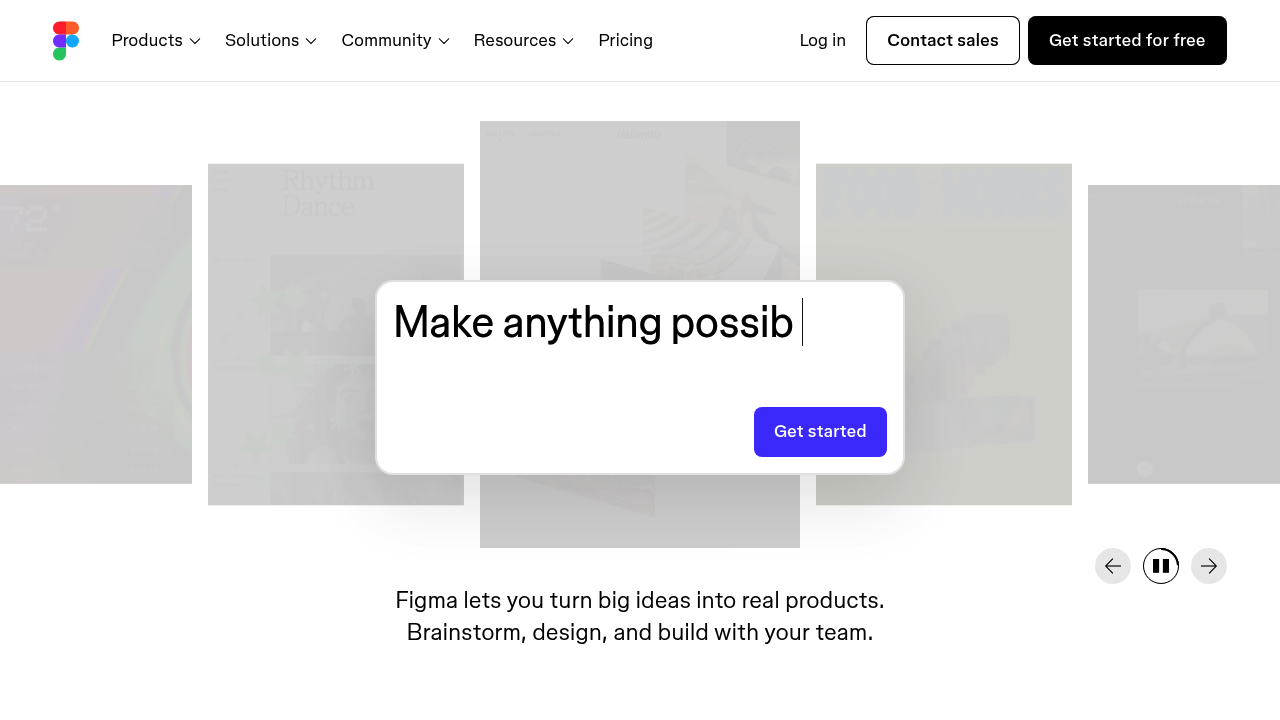
Browser-based professional UI/UX design and prototyping tool, ideal for team collaboration.
Tool Details
| Category | Design / Visual Tools |
| Website | figma.com |
| Tags | UI/UX, design, prototype, collaboration |
What is Figma?
Figma is a collaborative design platform for UI and UX work that runs in the browser and as a desktop app. Because files live in the cloud, a whole team can work on the same design at once, leave comments and roll back through version history, with no files being emailed around.
Today Figma is a product family rather than a single app. Figma Design handles screens and component libraries, prototyping turns them into clickable flows, and Dev Mode lets developers inspect measurements and code. Alongside it sit FigJam for whiteboarding, Slides for presentations, Make for AI-generated prototypes, Draw for illustration, and beta products such as Sites, Buzz and Motion.
A typical setup has designers maintaining components and styles in a shared library that the rest of the team reuses across projects, while product managers and engineers review and comment in the same files.
Key Features
- Real-time multiplayer editing, comments and version history.
- Design systems built with components, variants and shared libraries.
- Interactive prototypes created by linking screens and defining transitions.
- Dev Mode for inspecting measurements, styles and code snippets.
- FigJam for brainstorming and Figma Slides for presentations.
- AI features such as Figma Make, metered with monthly AI credits.
Figma is listed among the digital tools in the Design category. It has been selected as a featured tool by our editorial team.
Who Is It For?
Figma is aimed at product designers, UI/UX teams, front-end developers and product managers. Common uses include designing mobile app screens and building a prototype for user testing, running a company-wide design system, and handing a website design off to developers with exact specs. Students and solo designers can start on the free plan.
Pricing
Figma has a free Starter plan with limited access, unlimited drafts and 150 AI credits per day (up to 500 per month). Paid plans are priced per seat type, shown as monthly rates: Professional is $16 for a Full seat, $12 for a Dev seat and $3 for a Collab seat; Organization is $55, $25 and $5; Enterprise is $90, $35 and $5. Professional can be billed monthly or annually, while Organization and Enterprise are annual only. On paid plans, people who only view and comment do not need a seat.
Pros
- Runs in the browser with no install and behaves the same on any operating system.
- Real-time collaboration and comments make design feedback fast.
- A huge community, UI kits and plugin ecosystem mean plenty of learning resources.
Cons
- Pricing has grown complex with multiple products and seat types, and costs scale quickly for large teams.
- Being cloud-first, it works best with a steady internet connection.
- Advanced AI use is capped by monthly credit allowances per seat.
Frequently Asked Questions
Is Figma free?
Yes, the Starter plan is free with unlimited drafts and a daily AI credit allowance, though some features are limited. Paid plans start at $16 per month for a Professional Full seat.
What is Figma used for?
Designing interfaces for websites and apps, building clickable prototypes, managing design systems and handing designs off to developers. FigJam and Slides add whiteboarding and presentations.
What is the difference between Full, Dev and Collab seats in Figma?
A Full seat unlocks every Figma product. A Dev seat covers Dev Mode, FigJam, Slides and a few others with view and comment access in design files, and a Collab seat covers FigJam, Slides and commenting.
Details checked against the official website as of November 2026. Pricing may change.
Alternatives in Design
Similar tools you can try besides Figma