Compresto
Image and file compression tool. Optimize images and reduce file sizes for web projects.
Tool Details
| Category | Design / Visual Tools |
| Website | compresto.app |
| Tags | no-code, visual, compression, optimization |
What is Compresto?
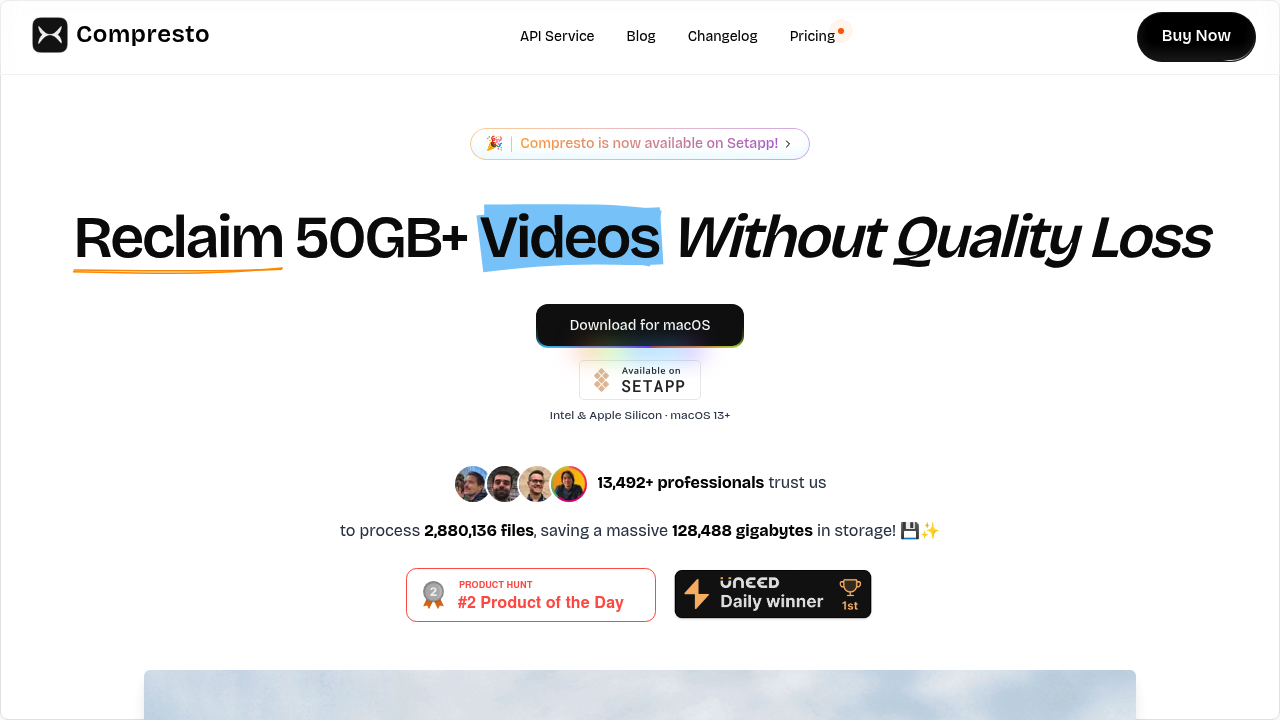
Compresto is a Mac app for shrinking videos, images, GIFs and PDFs. Drag files in and it compresses them locally on your machine without uploading anything, which helps with both privacy and speed on large files.
It handles MP4, MOV and other common video formats, JPEG, PNG, WebP, HEIC, TIFF and GIF images, and image-heavy PDFs. You can process hundreds of files or a whole folder in parallel and choose from quality presets. Folder monitoring compresses new files automatically as they land, and a floating drop zone keeps the app one drag away.
It can also turn video into GIFs, integrates with Raycast and uses hardware acceleration on Apple Silicon. Typical uses are slimming images before a website goes live or getting a big screen recording small enough to share.
Key Features
- Video, image, GIF and PDF compression in one app.
- Batch and parallel processing of folders or hundreds of files.
- Folder monitoring that compresses new files automatically.
- Floating drop zone and quality presets.
- Video-to-GIF conversion and Raycast integration.
- Fully offline, on-device processing.
Compresto is listed among the digital tools in the Design category.
Who Is It For?
Compresto suits web developers, content creators, designers and Mac users who often share large recordings. Use it to batch-shrink site images before launch, get a product demo video under Slack's upload limit, or make scanned PDFs small enough to email.
Pricing
Compresto is sold as a one-time purchase: Personal is $49 for 1 Mac and Standard is $69 for 2 Macs, both with lifetime updates. A subscription tab exists on the pricing page but shows no details, and students and educators get a discount. The site does not mention a trial of the app; instead it offers a free online compressor for PNG, JPEG and WebP up to 5 MB. Check compresto.app/pricing for current prices.
Pros
- Files never leave your Mac.
- One-time license with no subscription required.
- Folder monitoring automates repetitive work.
Cons
- macOS 13+ only; no Windows or Linux version.
- No free trial of the app is advertised.
- Paid up front, which is a bigger commitment than free web compressors.
Frequently Asked Questions
Is Compresto free?
The Mac app is paid, with one-time licenses from $49. A free online compressor for small images is available on the site.
Is Compresto available for Windows?
No, Compresto is macOS only for now, and its FAQ says there are no current plans for Windows or Linux.
How do I compress a video with Compresto?
Drag the video into the app or the floating drop zone, pick a quality preset, and the compressed file is saved to your chosen location.
Details checked against the official website as of November 2026. Pricing may change.
Alternatives in Design
Similar tools you can try besides Compresto