Tool Details
| Category | No-Code / Database & Backend |
| Website | cnaps.ai |
| Tags | no-code, AI, visual, workflow |
What is CNAPS?
CNAPS is a platform for building multi-step AI workflows by chaining models for images, video, audio and text. The site says more than 80 models can be linked, from generators and editors like Sora 2, Nano Banana, GPT Image, FLUX.2 and SAM to language models such as Claude, ChatGPT and Gemini.
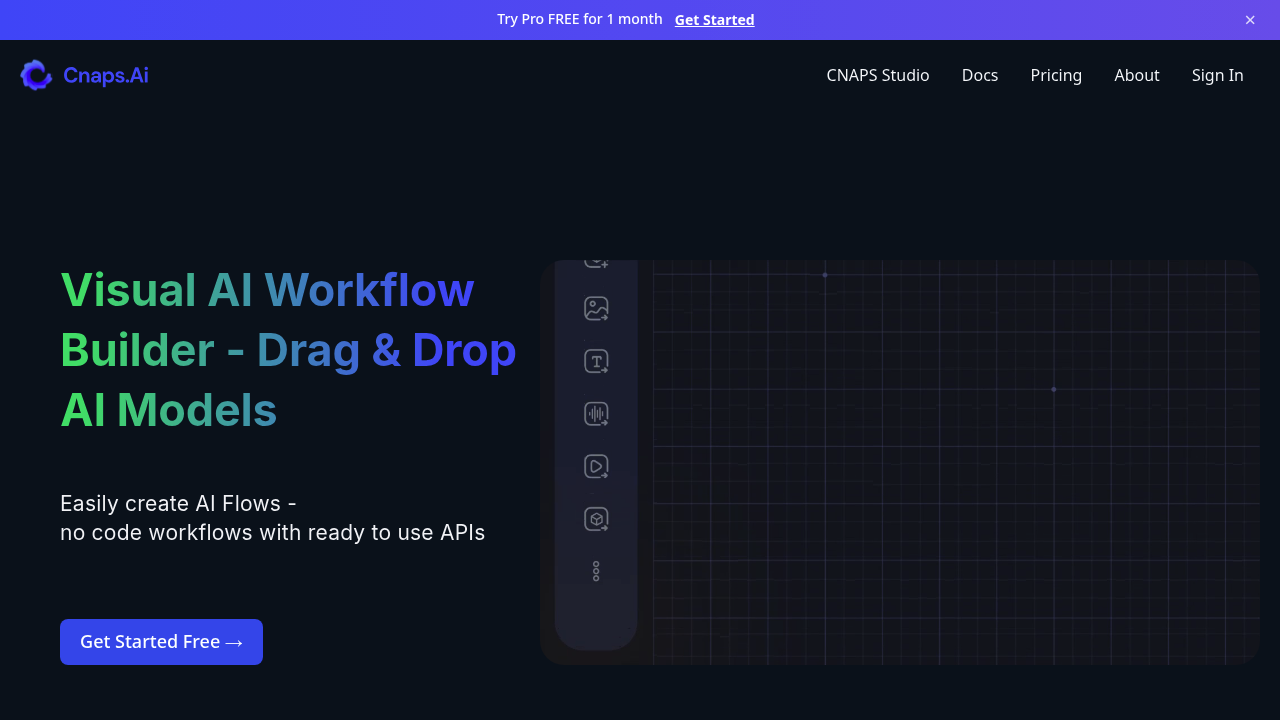
The premise is that one model rarely does everything well, but a few in sequence can. You might generate an image, remove its background, upscale it and animate it into a video in a single flow. There are two ways to work: a goal-based mode where you pick the result and CNAPS wires up the models, and CNAPS Studio, a canvas where you build the pipeline yourself and swap models at any step.
Because each step's output is visible, it is easy to see where a result went wrong. A community gallery shows workflows other users have built.
Key Features
- Chain 80+ image, video, audio and language models.
- Goal-based mode that assembles the pipeline for you.
- CNAPS Studio canvas for building flows by hand.
- Step-by-step inspection of intermediate outputs.
- Batch runs, API access and MCP connection.
- On-premises and air-gapped deployment for enterprises.
CNAPS is listed among the digital tools in the No-Code category.
Who Is It For?
CNAPS suits creators, designers and product teams whose work needs more than one model. Examples include batch-cleaning product photos (background removal plus upscaling), going from a text prompt to an image and then a short video, or pairing generated music with visuals in one pipeline.
Pricing
The free plan includes every model plus API and MCP access, but outputs are watermarked and only one run can go at a time; GPU time refills regularly. Starter is $20 a month (no watermark, batch runs), Pro $75, and Business $200 with 4 seats; Enterprise is custom. Eligible workspaces can try Pro free for two weeks without a card. See cnaps.ai/pricing for current details.
Pros
- Combining models in one flow removes file shuffling between tools.
- Even the free plan has access to all models.
- Visible intermediate steps make debugging easier.
Cons
- Free outputs carry a watermark.
- GPU allowances are not stated in numbers, so usage is hard to predict.
- The pipeline approach has a learning curve for beginners.
Frequently Asked Questions
Is CNAPS free?
Yes, there is a free plan with watermarked outputs and one run at a time. Watermark-free use starts with the $20 Starter plan.
What is CNAPS used for?
It links different AI models into one workflow so you can generate and edit images, video and audio in a single pipeline.
How do I use CNAPS?
Either choose a goal and upload your input so CNAPS builds the chain, or open CNAPS Studio and connect models on the canvas yourself.
Details checked against the official website as of November 2026. Pricing may change.
Alternatives in No-Code
Similar tools you can try besides CNAPS