SuperDev Pro
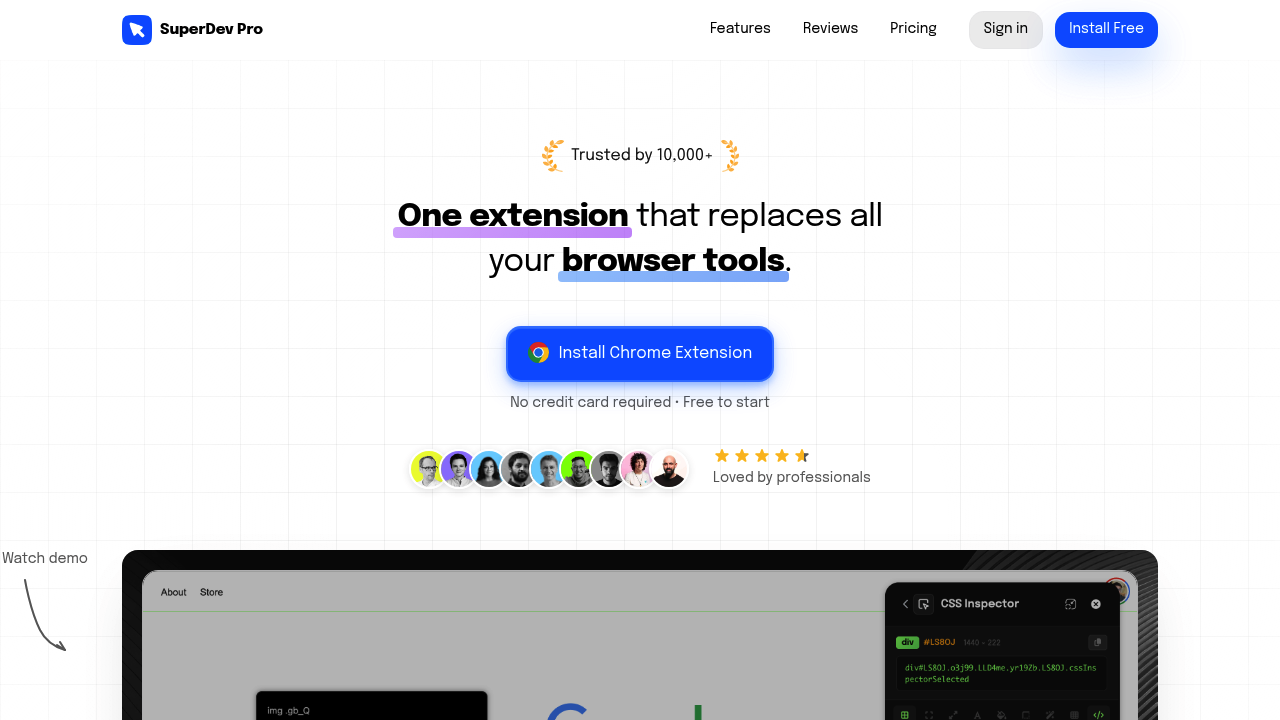
Bundle of 30+ web development tools in a single extension for Chrome and Firefox. CSS inspector, color picker, responsive testing, and more.
Tool Details
| Category | Development / CSS Tools |
| Website | superdevpro.com |
| Tags | browser extension, developer tools, CSS, debugging |
What is SuperDev Pro?
SuperDev Pro bundles more than 50 tools for web developers and designers into a single browser extension. It aims to replace the pile of separate extensions many people install for color picking, CSS inspection, page rulers, font swapping and more. It works in Chrome, Firefox, Edge, Brave and Opera.
Using it is simple: install the extension, open any web page and pick the tool you need from the menu. You can click an element to inspect its styles and edit CSS live, download every image on a page in one click, preview the site at several device sizes at once, or see which frameworks and libraries a site is built with.
There are also smaller utilities that speed up daily work, such as a web scraper, an API tester, an SEO meta inspector, a broken link checker, a JSON formatter and a QR code generator. The site says the tools run locally with no telemetry.
Key Features
- Click-to-inspect CSS with live editing.
- Eyedropper color picker and page color palette extraction.
- Responsive preview at multiple device sizes at the same time.
- One-click download of every image on a page, including SVGs.
- Site Stack technology detection and an SEO meta inspector.
- Extras like a web scraper, API tester, JSON formatter and broken link checker.
SuperDev Pro is listed among the digital tools in the Development category.
Who Is It For?
SuperDev Pro suits front-end developers, web designers and SEO folks. For example, you could inspect the fonts and colors on a competitor's site, quickly test how your page looks on mobile, or export data from a page as CSV.
Pricing
You can install the extension and start for free. The Lifetime license, which unlocks every Pro tool, has a regular one-time price of $79 and was on sale for $31.60 in November 2026. It includes 3 device activations, lifetime updates and a 30-day money-back guarantee.
Pros
- Replaces many single-purpose extensions.
- One-time payment instead of a subscription.
- Works across several browsers.
Cons
- Some tools are locked behind the paid license.
- The sheer number of tools makes the menu busy at first.
- English-only interface.
Frequently Asked Questions
Is SuperDev Pro free?
There is a free version. Unlocking all tools requires the one-time Lifetime license.
Which browsers does SuperDev Pro support?
The site lists Chrome, Firefox, Edge, Brave and Opera.
What does SuperDev Pro do?
It lets you inspect pages, test CSS and fonts, pick colors, grab images and check responsive layouts from one extension.
Details checked against the official website as of November 2026. Pricing may change.
Alternatives in Development
Similar tools you can try besides SuperDev Pro