Payload CMS
Payload is an open source headless CMS and application framework written in TypeScript that installs directly inside your Next.js app. You define content in code and it generates the database schema, REST and GraphQL APIs and an admin panel. It is free and MIT-licensed; new deployments on Payload Cloud are currently paused.
Tool Details
| Category | Development / Backend & Infrastructure |
| Website | payloadcms.com |
| Tags | CMS, headless, TypeScript, open source |
What is Payload CMS?
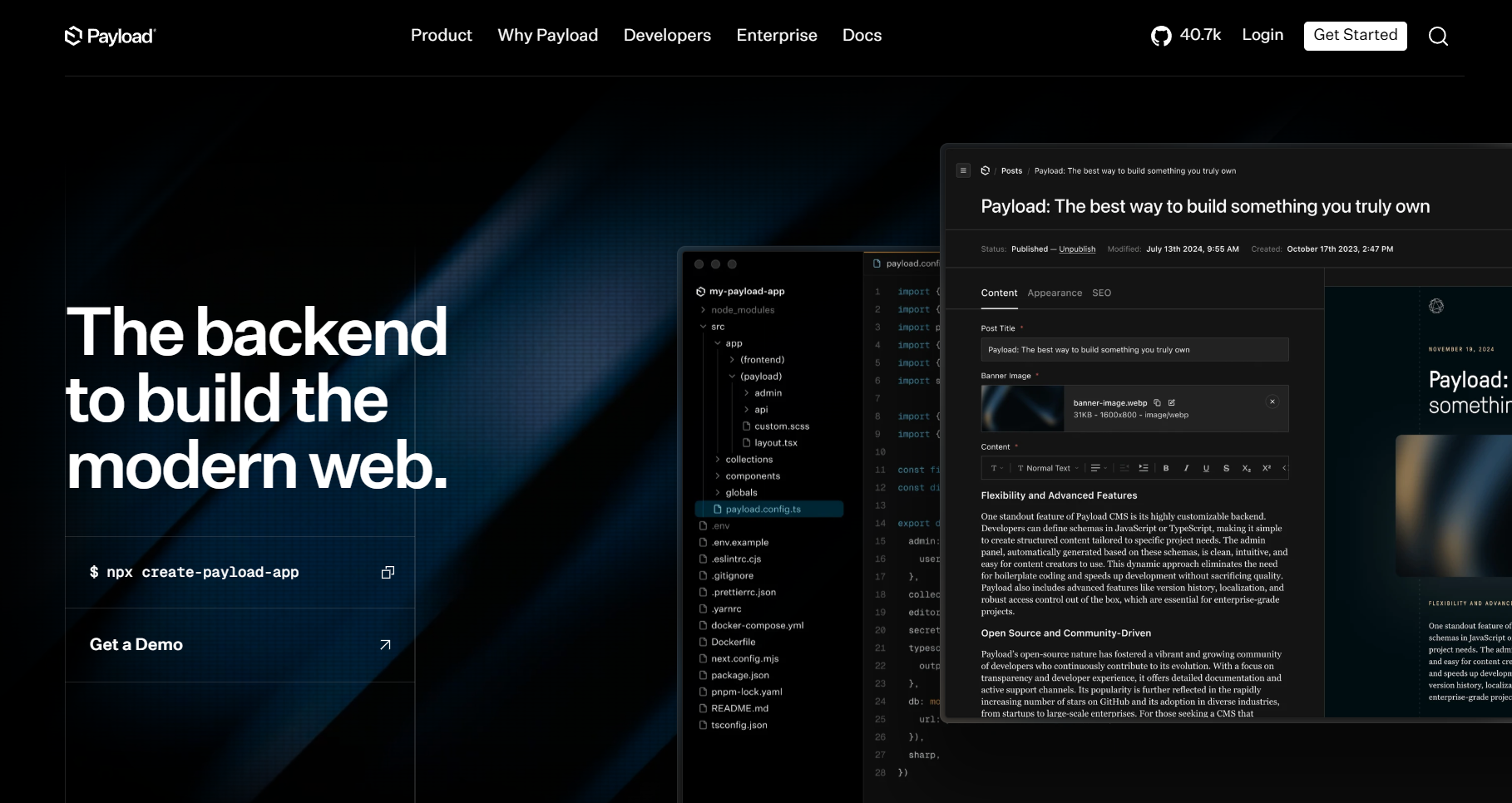
Payload is an open source headless CMS and application framework written in TypeScript. Its defining trait is that it installs directly inside Next.js: instead of running a separate CMS server, the admin panel and backend become part of the same Next.js app.
You define your content structure in code, in TypeScript config files, and Payload generates the database schema, REST and GraphQL APIs and a customizable admin panel from it. Authentication, access control, versions, drafts and live preview come built in, which is why teams use it for internal tools and app backends as well as websites.
The Payload team has joined Figma and the project remains open source. As part of that move, new project deployments on Payload Cloud are paused, though existing projects keep running, and you can self-host Payload on any provider that supports Next.js.
Key Features
- Admin panel and backend that live inside your Next.js app.
- Content models defined in TypeScript, with full type safety.
- Auto-generated REST and GraphQL APIs plus a Local API.
- Authentication, access control, drafts, versions and live preview.
- MIT-licensed open source that you can host anywhere.
- An enterprise tier with SSO, publishing workflows, a visual editor and A/B testing.
Payload CMS is listed among the digital tools in the Development category.
Who Is It For?
Payload suits developers and agencies working in Next.js who want content management to live next to their code. Common projects include giving editors an admin panel for a company website, building the backend for an online store or membership system, or putting together an internal admin tool quickly. Because configuration happens in code, it's not a good fit for non-technical teams setting things up on their own.
Pricing
Payload is free and MIT-licensed, so there's no license fee when you self-host. New deployments on Payload Cloud are currently paused. The enterprise tier, which adds features like SSO and publishing workflows, isn't publicly priced; you book a demo with the team.
Pros
- Running in the same codebase as Next.js simplifies setup and deployment.
- TypeScript-first, code-managed configuration.
- Free, open source and self-hostable.
Cons
- Code-based configuration makes it unsuitable for non-developers.
- With Payload Cloud closed to new projects, hosting is on you.
- Tightly coupled to Next.js, so it's less flexible for other stacks.
Frequently Asked Questions
Is Payload CMS free?
Yes. Payload is MIT-licensed open source and free to self-host. Only enterprise features are paid, with pricing on request.
Is Payload CMS owned by Figma?
The Payload team joined Figma. The project remains open source, but new deployments on Payload Cloud are paused.
Payload CMS vs Strapi: what's the difference?
Both are open source headless CMSs. Payload stands out by installing directly inside a Next.js app and being configured entirely in TypeScript.
Details checked against the official website as of November 2026. Pricing may change.
Alternatives in Development
Similar tools you can try besides Payload CMS