OpusClip
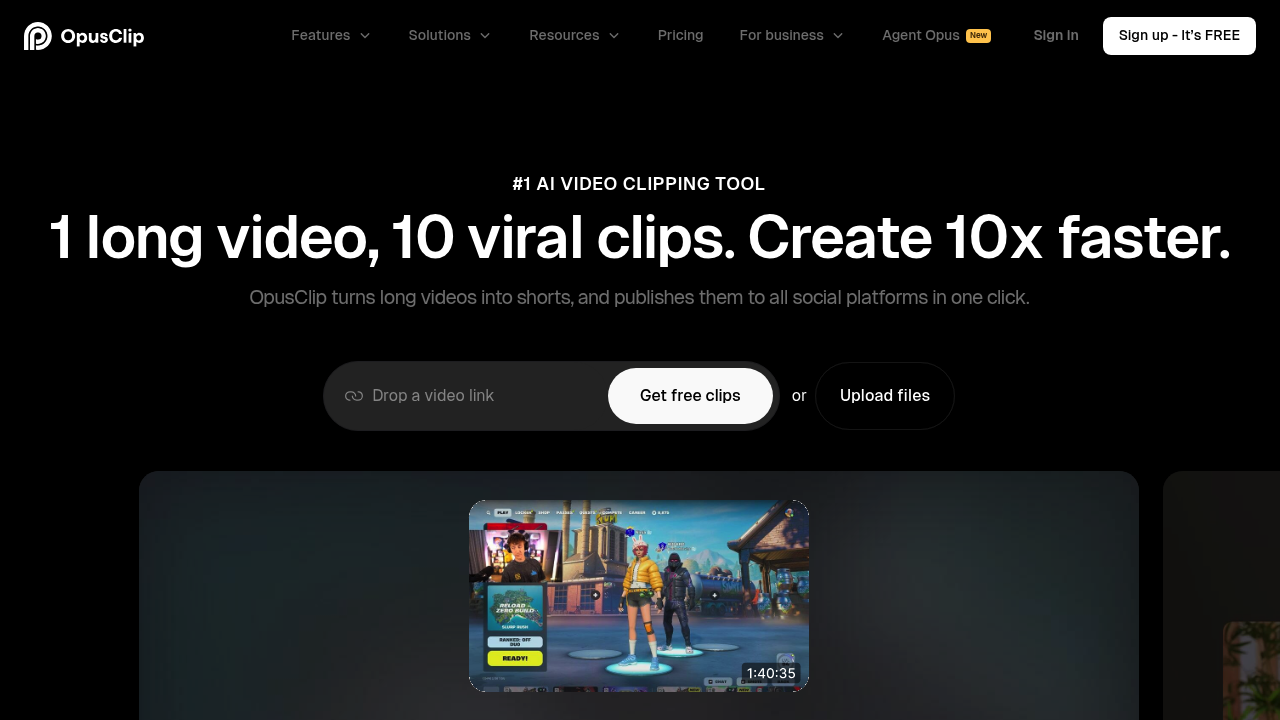
OpusClip is an AI video tool that turns long videos into short, social-ready clips. It picks the strongest moments from podcasts, streams or webinars, reframes them vertically and adds captions, and paid plans can publish straight to TikTok, YouTube Shorts and Instagram. The free plan adds a watermark; Starter costs $15/month.
Tool Details
| Category | Media / Video Editing |
| Website | opus.pro |
| Tags | video, Opus Clip |
What is OpusClip?
Opus Clip, now branded OpusClip, is an AI video tool that turns long videos into short, social-ready clips. Upload a podcast, livestream recording, webinar or YouTube video and it analyzes speech and visuals, picks the moments most likely to work as standalone clips, reframes them vertically and adds captions.
Its ClipAnything model works beyond talking-head content, covering vlogs, gaming, sports and interviews, and you can ask for specific moments in plain language. ReframeAnything tracks the speaker or moving subject so the crop holds up in 9:16, 1:1 or 16:9.
You can then polish clips in the editor with B-roll, brand templates and voice-overs, and on paid plans publish or schedule straight to YouTube Shorts, TikTok and Instagram. That means cutting, reframing, captioning and posting happen in one place instead of across several tools.
Key Features
- Automatic clipping of long videos, with natural-language prompts for specific moments.
- Subject-tracking reframing for multiple aspect ratios.
- Editable auto captions in many languages.
- Virality score, AI B-roll and brand templates on Pro.
- Direct posting and scheduling to YouTube Shorts, TikTok and Instagram.
- Video dubbing, API and Zapier integration on Pro.
OpusClip is listed among the digital tools in the Media category.
Who Is It For?
OpusClip is aimed at podcasters, YouTubers, educators and marketing teams who need a steady flow of short videos. Common uses include turning an hour-long podcast into a week of Reels and Shorts, slicing a webinar into LinkedIn clips, or pulling highlights from stream recordings.
Pricing
The free plan watermarks captions, deletes exports and media after 3 days and has no social posting. Starter at $15 a month removes the watermark and adds imports from YouTube, Drive and others plus social posting; Pro at $29 a month adds virality scores, B-roll, dubbing, team seats and API access. Business pricing is custom. Plans run on processing credits, so check the in-app pricing page for current allowances.
Pros
- Cuts hours of manual editing down to minutes.
- Auto reframing and captions produce vertical-ready output.
- Publishing and scheduling are built in.
Cons
- Free plan output is watermarked and expires after 3 days.
- AI-picked moments are not always the best ones, so review is needed.
- Credits can run out quickly with long source videos.
Frequently Asked Questions
Is Opus Clip free?
There is a free plan, but clips carry a watermark and files are deleted after 3 days. Watermark-free export starts with the $15 Starter plan.
What languages does Opus Clip support?
OpusClip lists roughly two dozen supported languages, including English, Spanish, French, German, Portuguese, Japanese and Korean. Check its FAQ for the current list.
How do I use Opus Clip?
Upload a video or paste a link, choose clip length and optionally add a prompt. Once clips are generated, edit the ones you like and download or publish them.
Details checked against the official website as of November 2026. Pricing may change.
Alternatives in Media
Similar tools you can try besides OpusClip