Tool Details
| Category | Automation / Workflow |
| Website | openclaw.ai |
| Tags | automation, OpenClaw |
What is OpenClaw?
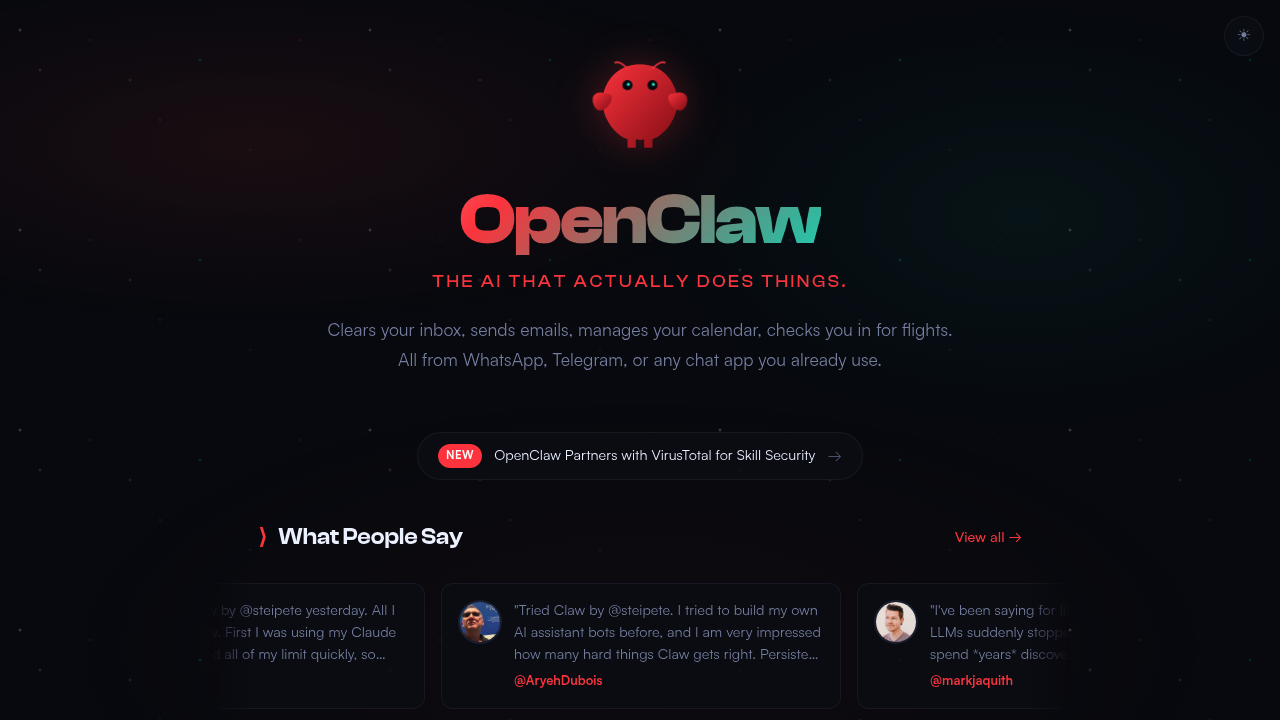
OpenClaw is an open-source AI assistant that runs on your own computer and actually takes actions for you. Unlike a typical chatbot, it doesn't stop at answering questions: it can sort your inbox, send emails, manage your calendar or fill in web forms.
You talk to it through messaging apps you already use, such as WhatsApp, Telegram, Discord, Slack, Signal or iMessage. The assistant runs on your Mac, Windows or Linux machine, and its memory, skills and data stay on your device rather than in a vendor's cloud. It can connect to hosted models like Claude and GPT or to local models.
The project is MIT-licensed and stewarded by the independent, non-profit OpenClaw Foundation, with a very large community on GitHub. You can extend it with community plugins and skills, including ones the assistant writes itself. Because it can be given access to your files, browser and shell, its security settings deserve careful attention.
Key Features
- Chat with it through WhatsApp, Telegram, Discord, Slack, Signal and iMessage.
- Takes actions on email, calendars, web forms and files.
- Persistent memory of your preferences, projects and contacts.
- Web browsing, file access and shell commands, with full or sandboxed permissions.
- Extensible through community plugins and skills.
- Works with hosted models (Claude, GPT) or local models.
OpenClaw is listed among the digital tools in the Automation category. It has been selected as a featured tool by our editorial team.
Who Is It For?
OpenClaw suits technically comfortable users who want to automate everyday digital chores, people who prefer to keep their data on their own machine, and developers experimenting with AI agents. Examples include triaging your inbox and sending yourself a summary, adding a meeting to your calendar from a Telegram message, or handling flight check-ins automatically.
Pricing
OpenClaw itself is free and open source, with no subscription, hosted tier or enterprise edition. You may still pay for the model it uses: hosted models like Claude or GPT come with API or subscription costs, while local models cost you hardware.
Pros
- Free and open source, with your data staying on your device.
- Reachable from messaging apps you already use.
- Model-agnostic, so you're not locked into one provider.
Cons
- Broad system access means a misconfiguration can be a real security risk.
- Setup and configuration assume command-line familiarity.
- Model usage costs are separate and can add up with heavy use.
Frequently Asked Questions
Is OpenClaw free?
Yes, OpenClaw is free, MIT-licensed open source. You pay separately for whichever AI model you connect, such as Claude or GPT.
How do I install OpenClaw?
Use the one-line install script on macOS and Linux, install via npm (npm i -g openclaw, then openclaw onboard), or download a desktop app. Full instructions are on openclaw.ai and GitHub.
Is OpenClaw safe to use?
Because it runs locally, your data isn't sent to a vendor's cloud, but the assistant can be given file and shell access. Use sandboxed mode and limit permissions for sensitive work.
Details checked against the official website as of November 2026. Pricing may change.
Alternatives in Automation
Similar tools you can try besides OpenClaw