Multiplayer
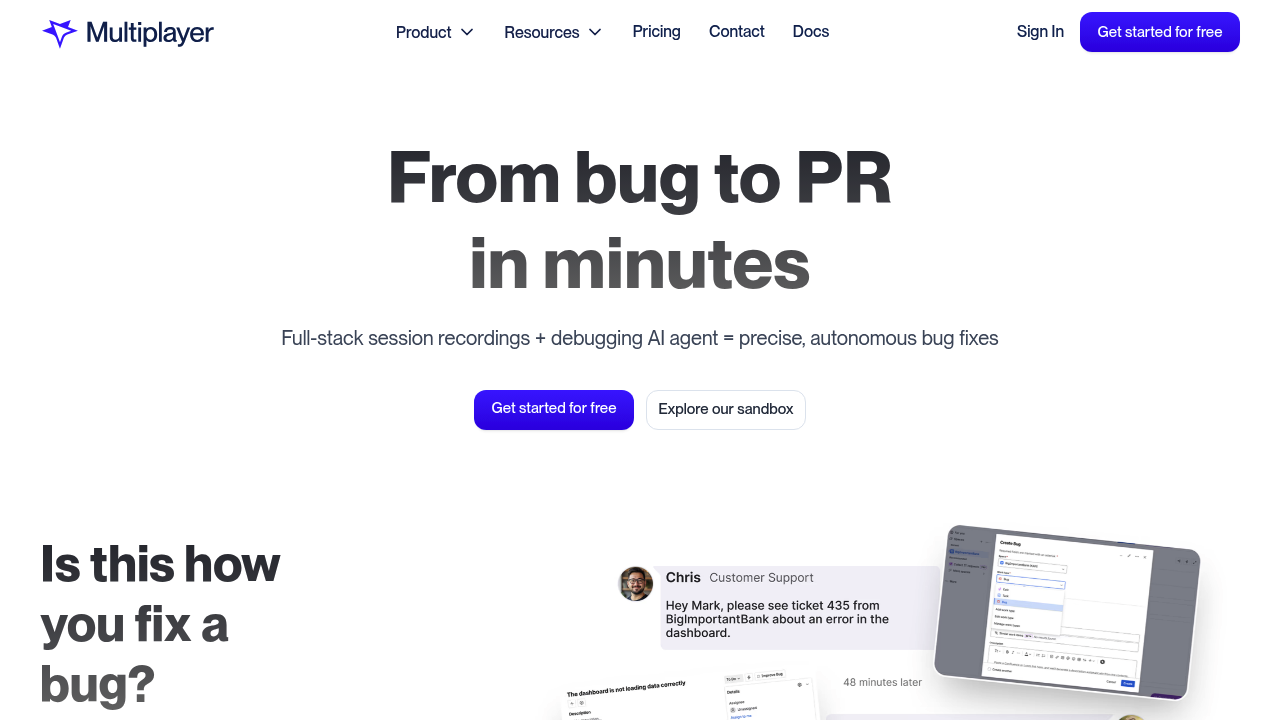
Multiplayer is a debugging agent for developers. When a production bug hits, it captures frontend screens, backend traces, logs and request/response payloads around that moment and hands them to a coding agent such as Claude Code, Codex or Copilot to work out the fix. There is a free way to start; check the site for pricing.
Tool Details
| Category | Development / Backend & Infrastructure |
| Website | multiplayer.app |
| Tags | collaboration, team, code review, developer |
What is Multiplayer?
Multiplayer is a debugging agent for developers. When your app hits a bug in production, it captures frontend screens, backend traces, logs and request/response payloads around that moment and hands the bundle to a coding agent such as Claude Code, Codex or Copilot so it can work out the fix.
The product was previously positioned as a collaboration and system-architecture tool for engineering teams, but it has since pivoted to focus entirely on debugging. According to the site, it gathers data only in a short window around an issue, caches sessions locally and sends data only when it spots a new problem.
Duplicate reports are folded into a single issue no matter how many times the bug fires, so your agent and team get one context-rich record instead of dozens of copies.
Key Features
- Captures and correlates frontend screens, backend traces, logs and request/response bodies in one session.
- Focuses on a short window around each issue rather than storing everything.
- Local-first: sessions are cached locally and data is sent only for new issues.
- Deduplicates repeated bugs into a single issue.
- Routes the captured context to coding agents like Claude Code, Codex and Copilot.
Multiplayer is listed among the digital tools in the Development category.
Who Is It For?
Multiplayer is built for engineering teams that want to fix production bugs with AI coding agents. Use cases include capturing a user-reported bug that won't reproduce locally, tracing a request that gets lost between frontend and backend, or bundling repeated errors into one issue and sending it to an agent to fix.
Pricing
Multiplayer offers a free way to get started and a sandbox to try it. Current paid plan prices aren't shown on the homepage and third-party listings disagree, so check multiplayer.app for up-to-date pricing.
Pros
- Pulls all the context a bug needs (screens, traces, logs) into one place.
- Designed to plug straight into coding agents.
- The local-first approach limits how much data leaves your environment.
Cons
- The product recently changed direction, so it no longer fits people looking for its old collaboration features.
- Pricing isn't clearly published.
- Setup requires integrating it into your app, and the interface is English only.
Frequently Asked Questions
Is Multiplayer free?
You can get started for free and there's a sandbox to try it. Check multiplayer.app for current paid plan pricing.
What does Multiplayer do?
It captures frontend, backend and log data around production bugs and passes that context to coding agents so issues get fixed faster.
Is Multiplayer a Sentry alternative?
It positions itself against tools like Sentry Seer and Datadog Bits AI, but its focus is feeding bug context to coding agents. Compare it against your monitoring needs before switching.
Details checked against the official website as of November 2026. Pricing may change.
Alternatives in Development
Similar tools you can try besides Multiplayer