Motion Dev
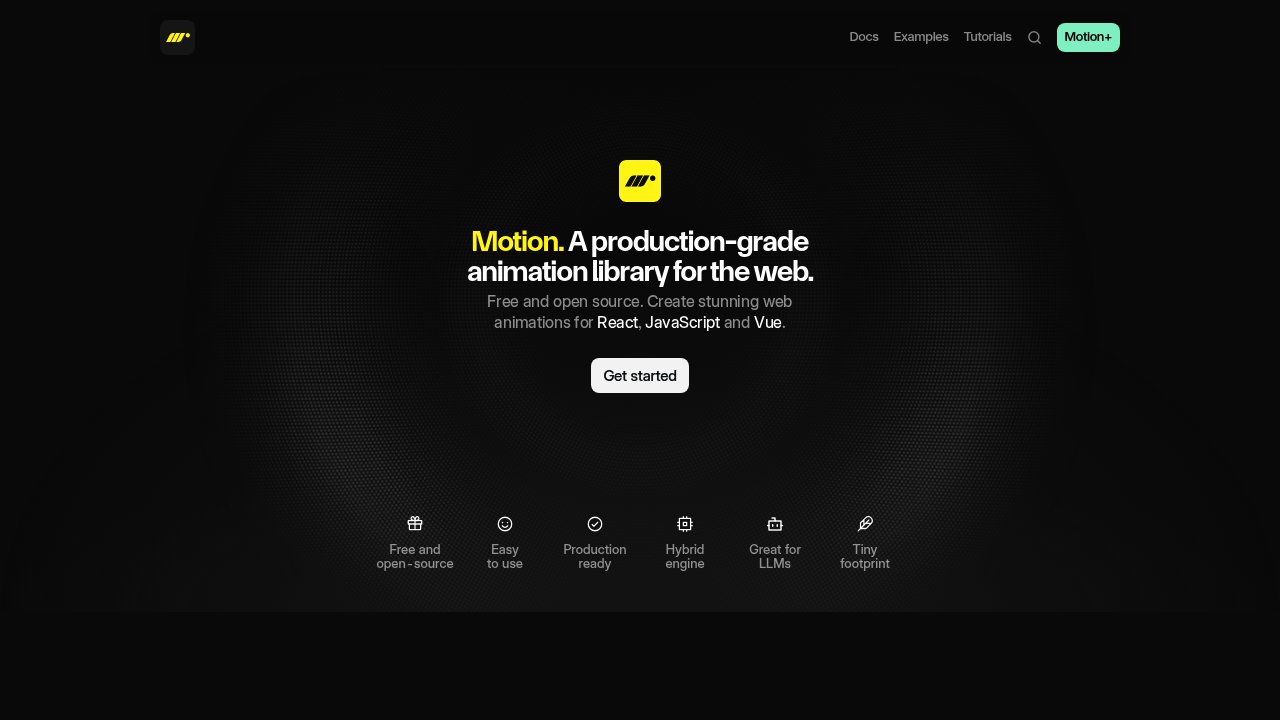
Powerful animation library for the web (formerly Framer Motion). Create smooth, performant animations in React and vanilla JS projects.
Tool Details
| Category | Development / UI Libraries |
| Website | motion.dev |
| Tags | animation, React, JavaScript, library |
What is Motion Dev?
Motion (motion.dev) is an open-source animation library for the web. Formerly known as Framer Motion, the project became independent, was renamed Motion, and now works with plain JavaScript and Vue as well as React.
In React you turn an element into a motion component and declare what to animate; Motion handles timing, spring physics and delays. Exit animations when a component unmounts, automatic animation of size or position changes (layout animations), and scroll-linked effects take just a few lines.
Motion runs most animations on the browser's own animation engine to stay smooth when JavaScript is busy, and uses the native ScrollTimeline API for scroll animations where available. A paid Motion+ membership adds extra examples and premium components.
Key Features
- Support for React, JavaScript and Vue.
- Layout animations for size, position and reorder changes.
- Scroll-linked animations and scroll progress tracking.
- Gestures including hover, tap and drag.
- Spring physics, exit animations and hardware-accelerated performance.
- Small base size plus 3D support for Three.js.
Motion Dev is listed among the digital tools in the Development category.
Who Is It For?
Motion suits front-end developers working in React, Next.js or Vue and teams building interactive interfaces. Examples: smoothly opening and closing a modal, building draggable cards, animating list items as they reorder, or creating scroll-driven landing page effects.
Pricing
The Motion library is free and open source, including for commercial projects. Motion+ is an optional paid membership with extra examples, premium components and tools; see the Motion+ page on motion.dev for current pricing.
Pros
- Complex animations through a simple API.
- Handles hard problems like layout and exit animations for you.
- Large community, thorough docs and multi-framework support.
Cons
- Can be overkill for simple CSS transitions.
- Some examples and components sit behind paid Motion+.
- Migrating from Framer Motion means updating package names and imports.
Frequently Asked Questions
Is Motion free?
Yes, the Motion library is free and open source. Motion+ is an optional paid membership for extra content.
Is Motion the same as Framer Motion?
Yes. Framer Motion became independent and was renamed Motion, now supporting JavaScript and Vue as well as React.
How do I install Motion?
Install the motion package from npm and import from 'motion/react' in React. The motion.dev docs cover setup in detail.
Details checked against the official website as of November 2026. Pricing may change.
Alternatives in Development
Similar tools you can try besides Motion Dev