Motion
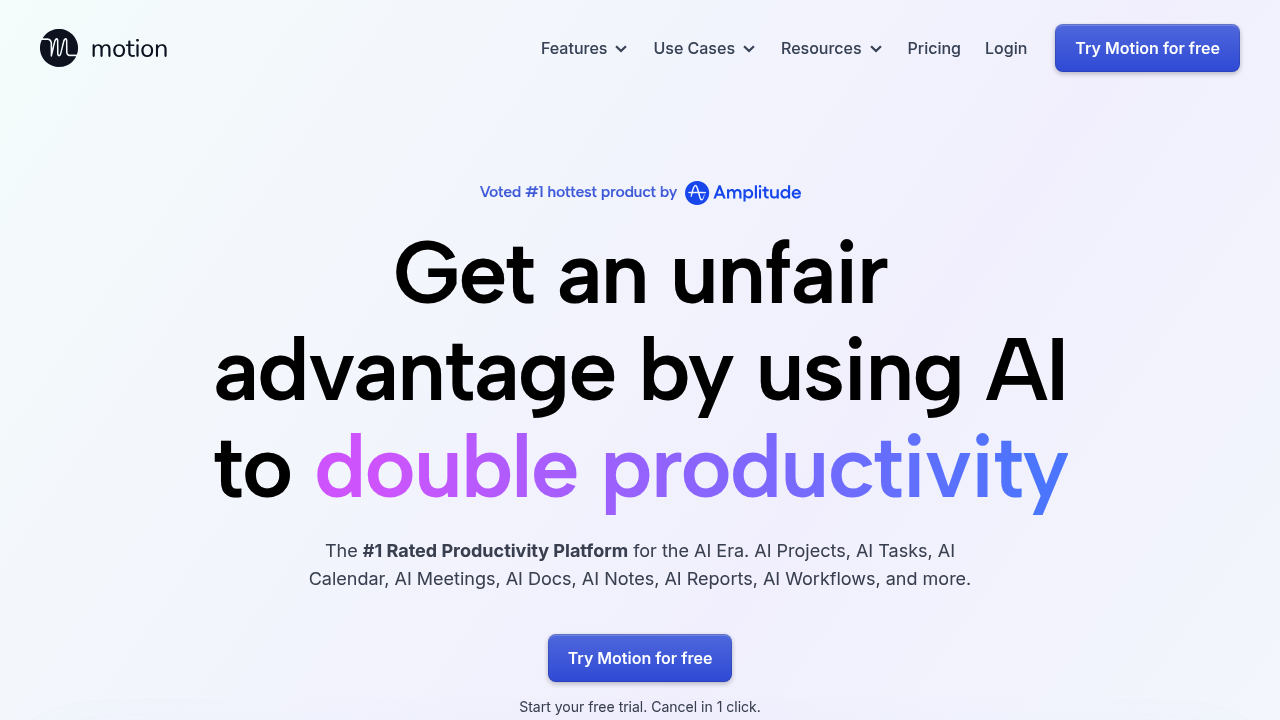
Motion is a productivity app that combines your calendar, tasks and projects and uses AI to plan your day. It fits tasks between meetings and reshuffles the plan when things change, and now adds team features like auto-scheduled Gantt charts, an AI notetaker and docs. There is no free plan; you start with a trial.
Tool Details
| Category | Productivity / Calendar & Scheduling |
| Website | usemotion.com |
| Tags | no-code, calendar, AI, productivity |
What is Motion?
Motion is a productivity app that combines your calendar, tasks and projects and uses AI to plan your time. You enter tasks with a duration, deadline and priority, and Motion slots them into the gaps between your meetings. When the day changes, say a meeting runs long, it reshuffles the plan automatically.
Over time it has grown from a personal smart calendar into a team platform. It now includes AI project management, auto-scheduled Gantt charts, workflow templates for repeatable processes, an AI meeting notetaker, docs and wiki pages, and an AI Chat that answers questions about your workspace.
It is most useful for people whose day is split across many tasks and meetings, because it takes over the question of what to work on and when.
Key Features
- An AI calendar that auto-schedules tasks by priority and deadline.
- Auto-scheduling Gantt charts and AI-assisted project management.
- Workflow templates for recurring projects and standard procedures.
- Meeting scheduling, booking links and an AI notetaker that summarizes calls.
- Docs, wiki and notes, plus AI Chat for querying workspace knowledge.
- iOS, Android and desktop apps along with third-party integrations.
Motion is listed among the digital tools in the Productivity category.
Who Is It For?
Motion suits busy managers, freelancers, consultants and small to mid-sized teams. A founder can have deep-work blocks placed automatically between meetings, an agency can track client projects on a Gantt chart and plan team capacity, and a consultant can share a booking link and get meeting notes summarized without extra tools.
Pricing
There is no free plan; you start with a trial (current sources say 7 days and require a card, so confirm at signup). Prices on the site in November 2026, per seat: Pro AI is $19 a month billed annually or $29 monthly for teams, and $29 annually or $49 monthly for individuals. Business AI is $29 annually or $49 monthly for teams, and $39 annually or $69 monthly for individuals. Pro AI includes 7,500 AI credits per seat per month and Business AI 15,000. The subscription starts automatically when the trial ends, so cancel beforehand if you do not want to continue.
Pros
- Auto-scheduling cuts down the time spent planning each day.
- Calendar, tasks, projects and docs in one app means fewer tools to juggle.
- Available on mobile and desktop as well as the web.
Cons
- No free plan, and it is pricier than many alternatives for solo users.
- Auto-scheduling only works well if you keep task durations and priorities up to date.
- Trials convert to paid plans automatically, which has caught some users out.
Frequently Asked Questions
Is Motion free?
No. Motion has no free plan, only a short free trial. After that, the individual Pro AI plan costs $29 per month billed annually.
What does Motion do?
It pulls your tasks and meetings into one calendar and uses AI to schedule your work automatically, with project management, meeting notes and docs for teams.
How does Motion's auto-scheduling work?
You give each task a duration, deadline and priority, and Motion places it into open time on your calendar, rescheduling automatically when meetings or priorities change.
Details checked against the official website as of November 2026. Pricing may change.
Alternatives in Productivity
Similar tools you can try besides Motion