MagicPath
MagicPath is an AI design tool that generates UI screens and components from text prompts on an infinite canvas. You refine designs with AI or by hand and export them as images, Figma files or code, and coding agents like Claude Code, Codex and Cursor can connect to a project. A credit-based free plan is available.
Tool Details
| Category | AI / Video Generation |
| Website | magicpath.ai |
| Tags | AI, animation, video, design |
What is MagicPath?
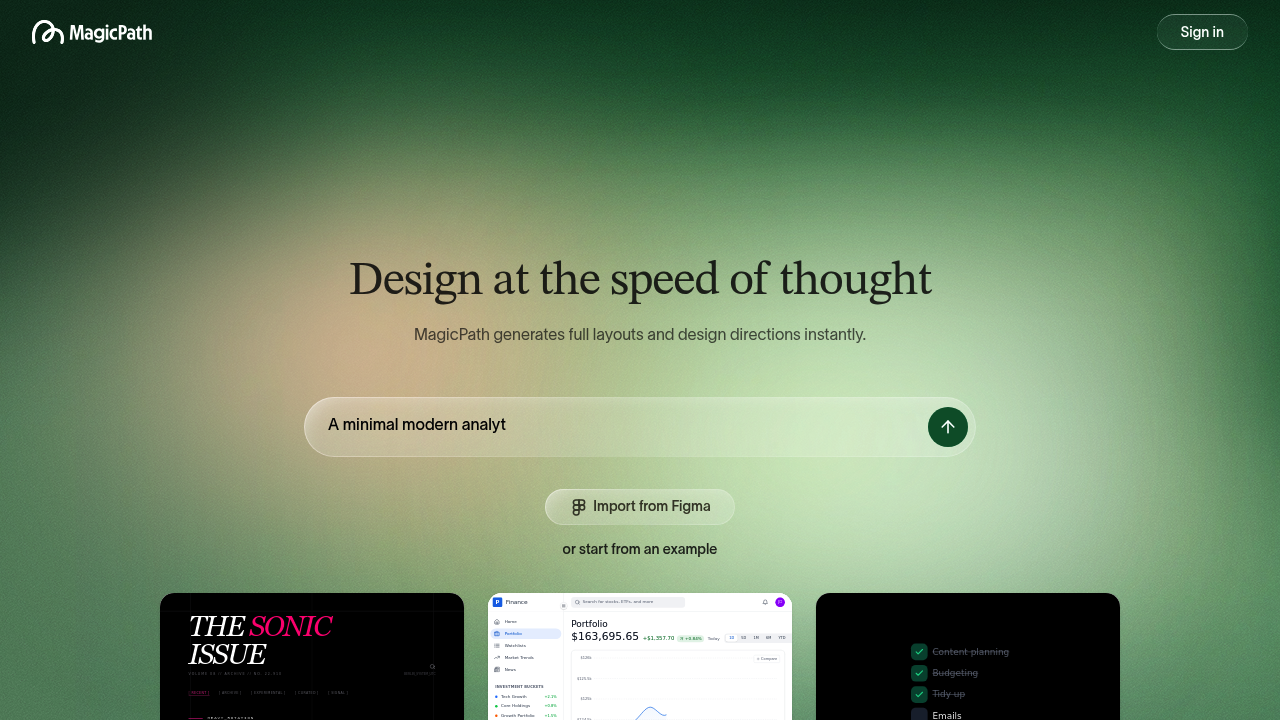
MagicPath is an AI design tool that generates UI screens and components from text prompts on an infinite canvas. It describes itself as a shared workspace for humans and AI agents. You describe a screen, MagicPath designs it, and you can refine it with AI or by hand before exporting it as an image, a Figma file or code.
MagicPath 2.0, released in May 2026, made the canvas multiplayer. Parallel agents can build several screens at once on a shared design system, and screenshots or moodboards on the canvas act as reference. External coding agents such as Claude Code, Codex and Cursor can connect to a project, read the design and sync changes back.
You can also start from a Figma import or a screenshot, which makes MagicPath useful both for exploring new ideas and for turning existing designs into code.
Key Features
- Generate UI screens and components from prompts on an infinite canvas.
- Export designs as images, Figma files or code.
- Start from a Figma file or a screenshot.
- Parallel AI agents that build multiple screens on a shared design system.
- Connections to external agents like Claude Code, Codex and Cursor with two-way code sync.
MagicPath is listed among the digital tools in the AI category.
Who Is It For?
MagicPath fits product designers, front-end developers and founders without a designer. Examples: drafting the first screens of a SaaS dashboard in minutes, turning a Figma design into working component code, or keeping design and code in sync with your coding agent.
Pricing
The free plan is credit-based; independent reviews report 120 credits a month (up to 20 per day), limited Figma imports and exports, and a weekly cap on external agent calls. Pro is about $30 per month billed monthly or $21 per month billed annually, with 600 credits a month, and Teams is custom-priced. Pricing changed with version 2.0, so confirm current numbers on the site.
Pros
- Covers the path from design to code in one tool.
- External agent integration is handy for developers.
- No credit card needed to try the free plan.
Cons
- Credits can run out quickly with heavy use and do not roll over.
- Generated screens often need manual cleanup.
- Interface and docs are English-only.
Frequently Asked Questions
Is MagicPath free?
Yes, there is a free plan with a limited monthly credit allowance. Pro adds more credits and unlimited Figma transfers.
What does MagicPath do?
It generates UI designs from text and lets you edit them and export to Figma or code.
Does MagicPath work with Figma?
Yes. You can import Figma files and export designs to Figma; on the free plan these are capped per month.
Details checked against the official website as of November 2026. Pricing may change.
Alternatives in AI
Similar tools you can try besides MagicPath