Klap
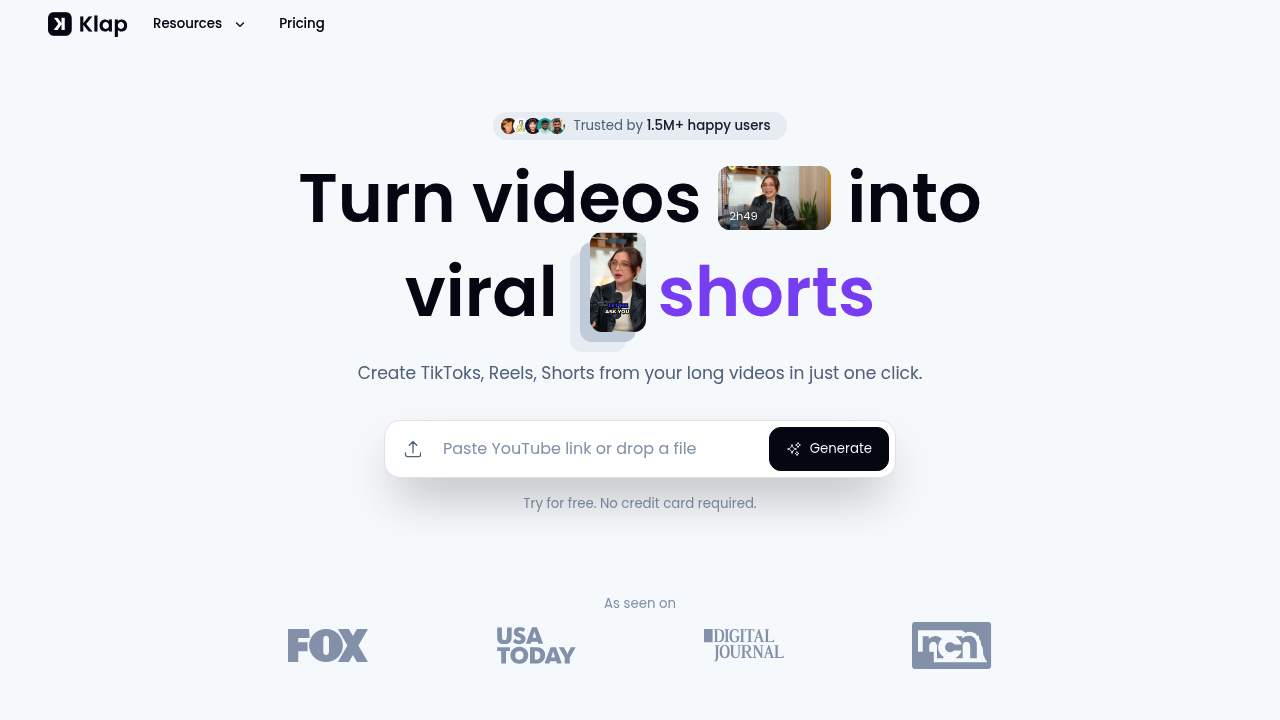
Klap is an AI video tool that turns long recordings into short vertical clips for TikTok, YouTube Shorts and Instagram Reels. Paste a YouTube link or upload a file and it finds the strongest moments, reframes them around the speaker and adds animated captions. A no-card free trial covers one video; downloading clips needs a paid plan.
Tool Details
| Category | AI / Video Generation |
| Website | klap.app |
| Tags | AI, video, short video, social media |
What is Klap?
Klap is an AI video tool that turns long recordings into short vertical clips for TikTok, YouTube Shorts and Instagram Reels. Cutting shareable moments out of a podcast or a long YouTube video normally takes hours of editing, and Klap automates most of that work.
Paste a YouTube link or upload a file and Klap finds the strongest moments, giving each one a virality score. It then reframes the footage to vertical by tracking whoever is speaking, adds animated captions, and opens an editor where you can add b-roll and hook titles. Source videos can be up to three hours long, and more than 99 languages are supported.
Finished clips can be scheduled and published straight to TikTok, YouTube, Instagram, LinkedIn and Facebook, with post analytics to see how they performed.
Key Features
- Finds highlight moments automatically and scores each clip for virality.
- Reframes footage to vertical by following the active speaker.
- Adds animated captions in 99+ languages.
- Editor with b-roll and hook titles.
- Schedules and publishes to TikTok, YouTube, Instagram, LinkedIn and Facebook.
- Post analytics for published clips.
Klap is listed among the digital tools in the AI category.
Who Is It For?
Klap fits podcasters, long-form YouTubers, educators and social media teams. Typical uses: turning an hour-long podcast episode into a week of Shorts, splitting a webinar recording into LinkedIn snippets, or clipping livestream replays for TikTok.
Pricing
A free trial with no credit card covers one video; you can preview and edit the resulting clips, but downloading or posting requires a paid plan. Monthly billing is $29 for Basic (100 clips a month), $79 for Pro (300 clips) and $189 for Pro+ (1,000 clips). Yearly billing cuts those prices in half. Paid exports carry no watermark.
Pros
- Automates clip selection, reframing and captions in one workflow.
- Broad language support, including non-English speech.
- Scheduling and publishing from the same app.
Cons
- The free trial does not let you download or post clips.
- Monthly clip quotas can make heavy use expensive.
- AI-picked moments are not always the best ones, so manual review is still needed.
Frequently Asked Questions
Is Klap free?
You can try one video free without a credit card, but downloading or posting clips requires a paid plan starting at $29 a month.
What languages does Klap support?
Klap says it supports more than 99 languages for captions and clipping.
How do I use Klap?
Paste a YouTube link or upload a video, review and edit the suggested clips, then download them or schedule them to your social accounts.
Details checked against the official website as of November 2026. Pricing may change.
Alternatives in AI
Similar tools you can try besides Klap