Hyperbrowser
Cloud browser automation platform for AI agents. Manage headless browser sessions and pull web data programmatically.
Tool Details
| Category | Automation / Web Scraping |
| Website | hyperbrowser.ai |
| Tags | automation, browser, AI, scraping |
What is Hyperbrowser?
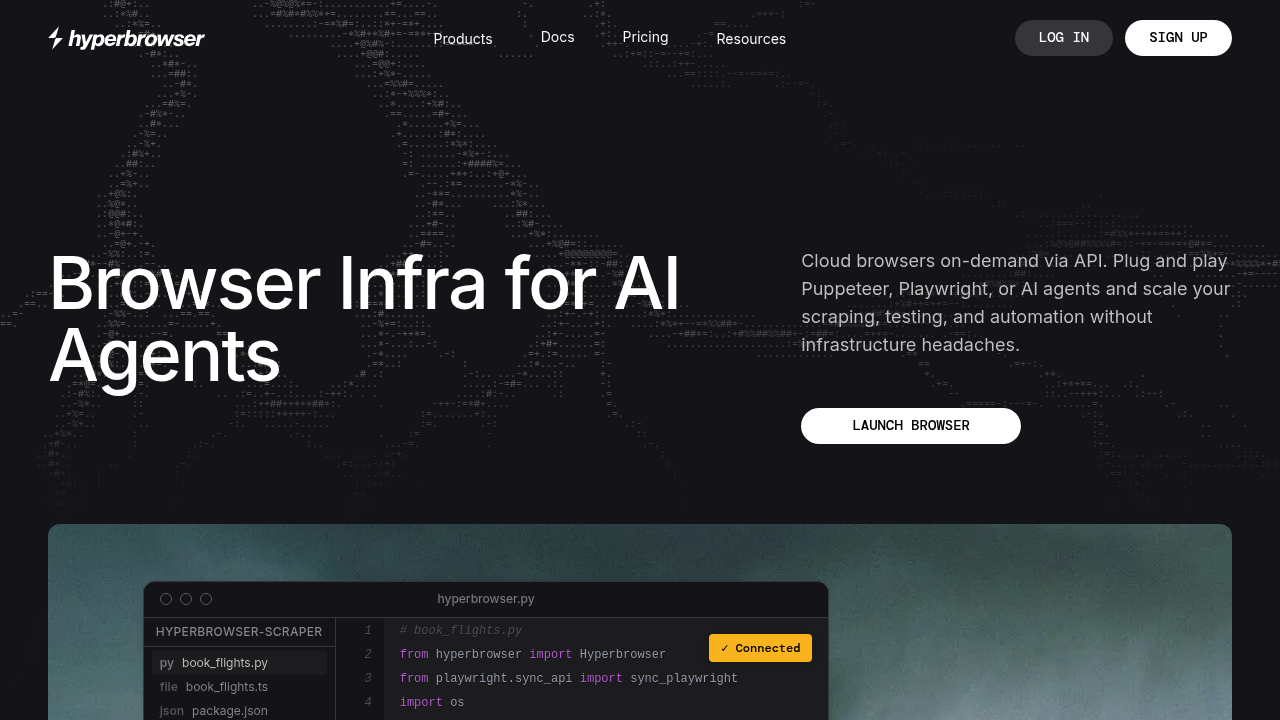
Hyperbrowser provides cloud browser infrastructure for AI agents and automation scripts. Running headless Chrome yourself means dealing with memory, blocking, proxies and CAPTCHAs; Hyperbrowser takes that on as a service and hands you managed browser sessions through an API.
You can point existing Playwright or Puppeteer scripts at Hyperbrowser's cloud browsers by swapping the connection endpoint, and there are Python and Node.js SDKs. Beyond raw sessions, it offers web APIs for fetching pages, returning JSON, search and AI-powered extraction, plus VM-based sandboxes for running code.
The platform also supports browser agents such as HyperAgent and Browser Use, as well as computer-use models. Everything draws from one shared credit balance, so browser time, proxy data and agent steps don't each need their own subscription.
Key Features
- Managed cloud browser sessions you start and control through an API.
- Playwright and Puppeteer compatibility, plus Python and Node.js SDKs.
- Automatic CAPTCHA solving, stealth mode and residential proxies on paid plans.
- Web APIs for page fetching, search and AI-based structured extraction.
- Support for running browser agents like HyperAgent, Browser Use and computer-use models.
- Sandboxes for running code, billed by vCPU and memory.
Hyperbrowser is listed among the digital tools in the Automation category.
Who Is It For?
Hyperbrowser is built for teams developing AI agents that act on the web, developers running scraping jobs and companies scaling browser automation. Examples include collecting competitor prices on a schedule, giving an LLM agent the ability to navigate pages and fill in forms, or running end-to-end tests across hundreds of parallel browser sessions.
Pricing
The free plan includes 5,000 credits, one concurrent session and 7-day data retention, which works out to roughly 50 browser hours at base rates. Startup is $30 per month (30,000 credits, 25 concurrent sessions) and Scale is $100 per month (100,000 credits, 100 concurrent sessions). Enterprise is custom. 1,000 credits equal $1 of usage; browser time costs $0.10 per hour and proxy data $10 per GB.
Pros
- Removes the work of hosting and maintaining your own browser fleet.
- Existing Playwright and Puppeteer code moves over with minimal changes.
- One credit pool across browsers, APIs and agents keeps billing simple.
Cons
- A developer infrastructure product, not something non-coders can use directly.
- Proxy data and agent steps can drive costs up quickly at volume.
- CAPTCHA solving and stealth are paid-plan features.
Frequently Asked Questions
Is Hyperbrowser free?
There is a free plan with 5,000 credits. More concurrency, CAPTCHA solving and proxies require a paid plan starting at $30 per month.
What is Hyperbrowser used for?
It gives AI agents and automation scripts managed browsers in the cloud. That lets you scrape sites, navigate pages and fill in forms without running your own browser servers.
Does Hyperbrowser work with Playwright?
Yes, you can connect existing Playwright and Puppeteer scripts to Hyperbrowser's cloud browsers. The docs include a dedicated guide for it.
Details checked against the official website as of November 2026. Pricing may change.
Alternatives in Automation
Similar tools you can try besides Hyperbrowser