Google Flow
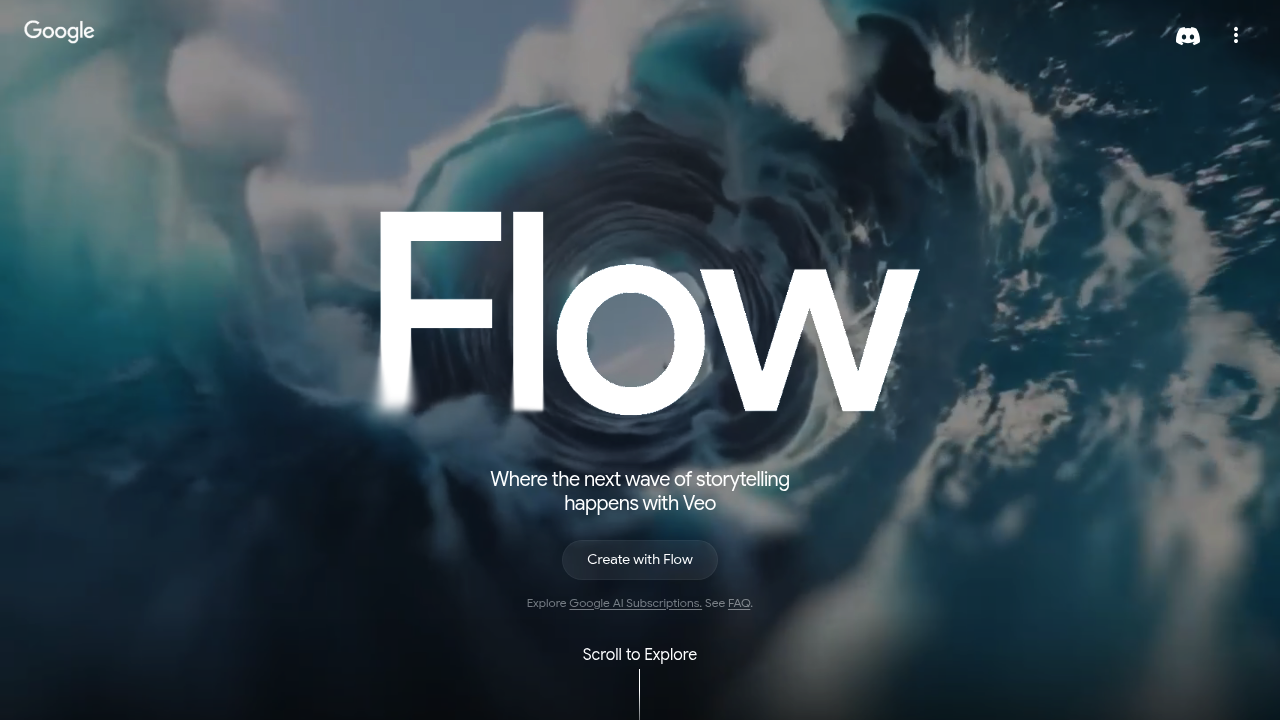
Google Flow is Google's creative studio for making video and images with its generative AI models. Veo 3.1 generates video with native audio and Nano Banana handles image generation and edits, while you edit in natural language, build storyboards and create your own tools. You can try it free with a Google account and limited credits.
Tool Details
| Category | AI / Video Generation |
| Website | flow.google.com |
| Tags | AI, video, Google, film |
What is Google Flow?
Google Flow is Google's creative studio for making video and images with its generative AI models. It launched in 2025 in Google Labs as an AI filmmaking tool and is now offered at flow.google.com as an AI studio for video, images and custom tools.
Several Google models work together inside Flow: Veo 3.1 generates video with native audio, Nano Banana handles image generation and precise edits, and Gemini Omni combines text, image and video references for video creation and conversational editing. A Gemini-powered agent helps from the ideation stage onward.
You can edit with natural language, use tools for text overlays, video resizing, storyboards or effects, and build and share your own tools. Features vary by subscription tier, platform and region, and use is limited to people 18 and over.
Key Features
- Video generation with native audio via Veo 3.1.
- Image generation and precise editing with Nano Banana.
- Video creation from text, image and video references with Gemini Omni.
- A Gemini-powered agent that assists across your project.
- Natural-language editing of images and video.
- Built-in and community tools such as storyboards, text overlays and video resizing.
Google Flow is listed among the digital tools in the AI category.
Who Is It For?
Google Flow suits video creators, short film experimenters, and ad and social media teams. Examples: generating short scenes for a product promo, visualizing a story as a storyboard, or producing videos in multiple aspect ratios for social channels.
Pricing
You can try Google Flow for free with a Google account, with limited credits. More credits and features come with Google AI subscriptions; the page lists Google AI Plus at $4.99 per month, Google AI Pro at $19.99, and Google AI Ultra at $99.99 and $199.99 tiers. Prices and credits vary by country, so check the site for current details.
Pros
- Access to Google's latest video and image models in one studio.
- Free to start.
- Flexible workflow with natural-language edits and custom tools.
Cons
- Credits run out quickly with heavy video generation.
- Features differ by plan, platform and country.
- AI output can be inconsistent or inaccurate.
Frequently Asked Questions
Is Google Flow free?
You can try it for free with limited credits using a Google account. Heavier use requires a Google AI subscription.
What is Google Flow used for?
Creating and editing AI video and images with Google's Veo, Nano Banana and Gemini models.
Where is Google Flow available?
Availability and features vary by country. Check the FAQ on the Flow site for the current list.
Details checked against the official website as of November 2026. Pricing may change.
Alternatives in AI
Similar tools you can try besides Google Flow