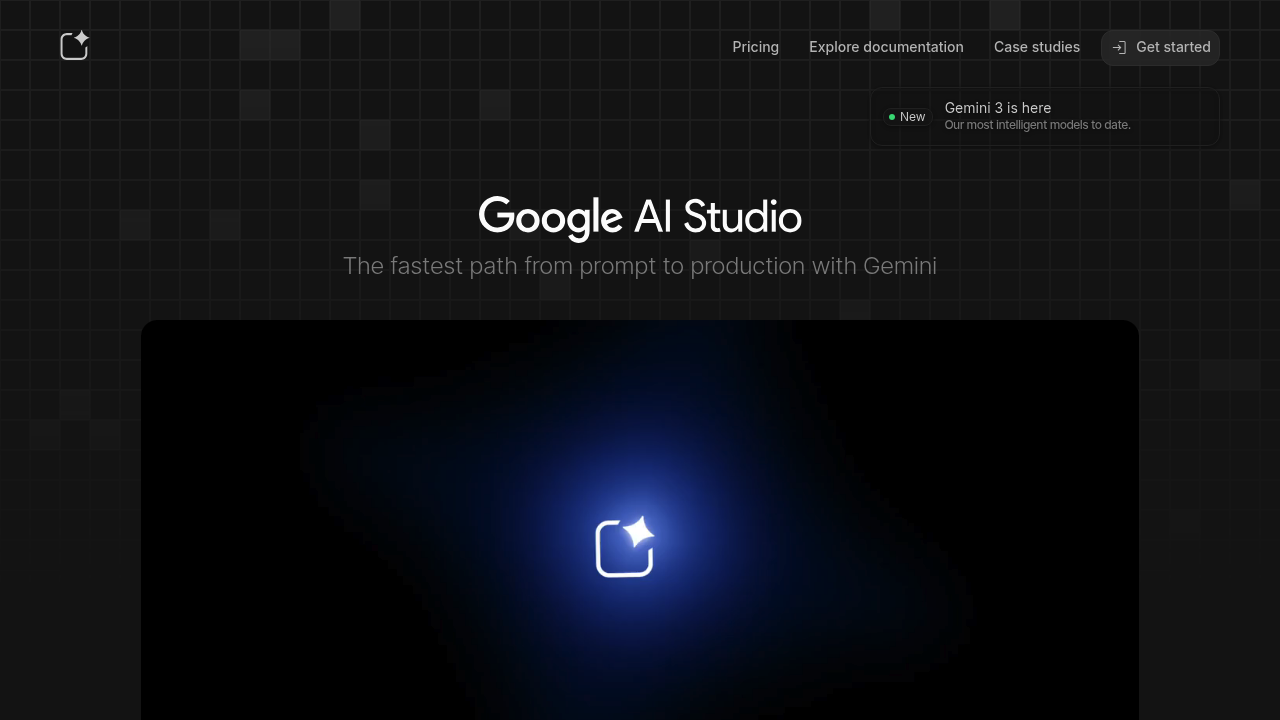
Google AI Studio
Google's AI development platform. Test Gemini models, build prototypes, and get an API key.
Tool Details
| Category | AI / Code Assistants |
| Website | aistudio.google.com |
| Tags | AI, developer, Google, API |
What is Google AI Studio?
Google AI Studio is Google's web-based environment for trying Gemini models, prototyping apps and getting a Gemini API key. Sign in with a Google account and you can start working with the models without installing anything.
In the chat workspace you pick a Gemini model and experiment with system instructions, parameters like temperature, and file, image or video inputs. When a prompt works, you can turn it straight into code for your own app. Build mode is a "vibe coding" environment: describe what you want and an AI agent creates a multi-file web app (React and Node.js by default) or a Kotlin Android project. You can highlight part of the UI to request changes, push code to GitHub, download a ZIP or deploy to Cloud Run.
API keys are created in AI Studio too, so you can call Gemini models from your own software.
Key Features
- Try Gemini models in the browser with no setup.
- Multimodal prompts with text, image, audio and video.
- Turn a working prompt into code in one click.
- Build mode generates web or Android apps from a prompt.
- Push to GitHub, download a ZIP or deploy to Cloud Run.
- Create Gemini API keys and manage usage.
Google AI Studio is listed among the digital tools in the AI category.
Who Is It For?
Google AI Studio is aimed at developers building on the Gemini API, founders who want to turn an idea into a prototype fast and students learning by experimenting with models. Examples: designing and testing prompts for a support bot, prototyping a small app that extracts data from PDFs, or building a simple web app in Build mode without hand-writing code.
Pricing
Using AI Studio is free, and the Gemini API's free tier gives limited usage on certain models. On the free tier, content you send may be used by Google to improve its products. Higher limits, the most advanced models, the Batch API and keeping your data out of product improvement require the paid, pay-as-you-go tier. Model prices change often, so check the pricing page in AI Studio.
Pros
- Free to start with no setup.
- Very quick path from prompt to working code.
- Build mode lets people with limited coding skills prototype.
Cons
- Free-tier data may be used to improve Google's products.
- Top models and higher limits are paid only.
- Free-tier quotas and model lists change frequently.
Frequently Asked Questions
Is Google AI Studio free?
Yes. AI Studio is free to use and the Gemini API has a limited free tier on certain models; higher limits and advanced models need the paid tier.
How do I get a Gemini API key from Google AI Studio?
Sign in to AI Studio with your Google account, create a new key in the API keys section and use it in your Gemini API requests.
What is Build mode in Google AI Studio?
It is an agent-driven environment that creates web or Android apps from a text prompt, which you can refine, export to GitHub or deploy to Cloud Run.
Details checked against the official website as of November 2026. Pricing may change.
Alternatives in AI
Similar tools you can try besides Google AI Studio