Beeble
Separates subjects from video without a green screen and places them in new environments with realistic shadows and lighting.
Tool Details
| Category | AI / Video Generation |
| Website | app.beeble.ai |
| Tags | AI, green screen, video, video generation, video design |
What is Beeble?
Beeble is an AI-powered VFX platform for finishing footage, whether shot on camera or generated, with relighting, background replacement and visual effects. Its best-known trick is pulling a person out of footage shot without a green screen and placing them in a new environment with lighting and shadows that match.
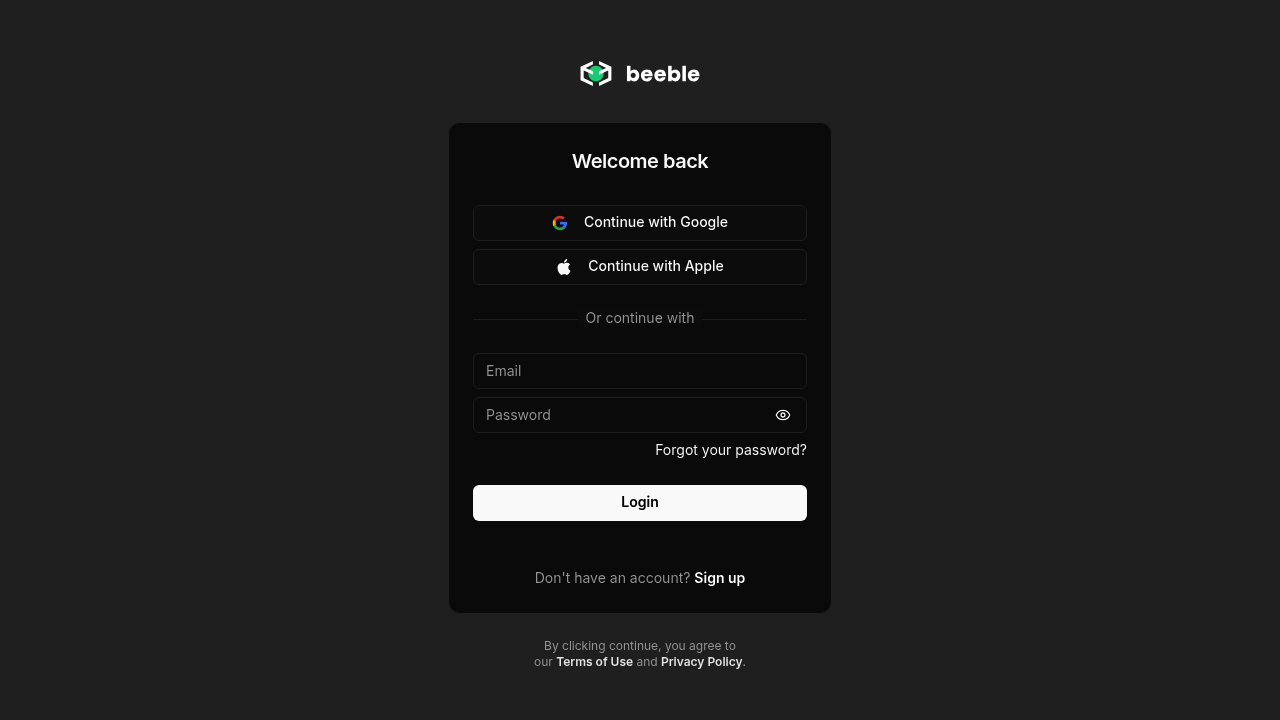
The web version is BeebleCLOUD at app.beeble.ai. SwitchX relights footage frame by frame and swaps elements guided by masks. VFX Pass Generator extracts alpha, depth and PBR passes such as normal, base color and roughness from video, ready for relighting in Blender, Unreal or Nuke. 3D Relight lets you adjust lighting in real time with point lights and HDRIs, and Background Remover produces alpha mattes. Reframe extends shots to other aspect ratios and SDR to HDR outputs HDR as EXR.
There is also Canvas, a node-based workflow builder for chaining tools, access to image and video generation models, a local desktop app called Beeble Studio and an API for developers.
Key Features
- SwitchX relights footage and swaps environments using masks.
- VFX Pass Generator extracts alpha, depth and PBR passes.
- 3D Relight for real-time lighting with point lights and HDRIs.
- Background Remover creates mattes without a green screen.
- Finishing tools like Reframe, SDR to HDR and upscaling.
- Output works with Blender, Unreal and Nuke; desktop app and API available.
Beeble is listed among the digital tools in the AI category.
Who Is It For?
Beeble suits VFX artists and compositors, low-budget film and ad makers, music video directors and creators who want to give AI-generated video a professional finish. Examples: moving a scene shot in an office to a beach at sunset, dropping an actor into a 3D scene without a green screen, or fixing a badly lit shot in post.
Pricing
The free plan gives 90 credits a month for non-commercial use and covers VFX Pass Generator (videos up to 5 seconds) and 3D Relight. Billed yearly, Creator is $16 a month (540 credits), Professional $60 (2,400 credits, 4K output) and Max $417 (16,000 credits). Tools like SwitchX, Background Remover and Canvas need a paid plan. Beeble Studio, the desktop app, is licensed separately.
Pros
- Realistic light matching without a green screen.
- PBR and depth passes that slot into pro software.
- Free plan for trying core tools.
Cons
- Credits drain quickly at higher resolutions.
- Free plan is non-commercial and excludes the main tools.
- Getting the most out of it takes VFX know-how.
Frequently Asked Questions
Is Beeble free?
There is a free plan with 90 credits a month for non-commercial use, but main tools like SwitchX need a paid plan starting at $16 a month billed yearly.
What does Beeble do?
It lets you separate people or objects from footage without a green screen, relight them to match new environments and extract PBR passes for VFX work.
Does Beeble work with Blender?
Yes. VFX Pass Generator output can be imported into Blender, Unreal and Nuke for relighting.
Details checked against the official website as of November 2026. Pricing may change.
Alternatives in AI
Similar tools you can try besides Beeble